
Choosing the right laptop can make a huge difference in a student’s academic life, whether it’s for note-taking, research, or online classes.
Among budget-friendly yet reliable options, the Acer Aspire 3 Laptop stands out for its balance of performance and affordability. With a range of models, specifications, and price points, it can be tricky to pick the one that truly fits your needs.
In this guide, we’ll break down everything students should know about the Acer Aspire 3 Laptop. From essential specs and battery life to reviews and pricing, you’ll get practical insights to make a confident choice. By the end, you’ll know exactly which model aligns with your study requirements, ensuring smooth performance, long-lasting usability, and the best value for your budget.
Why Choose the Acer Aspire 3 Laptop?
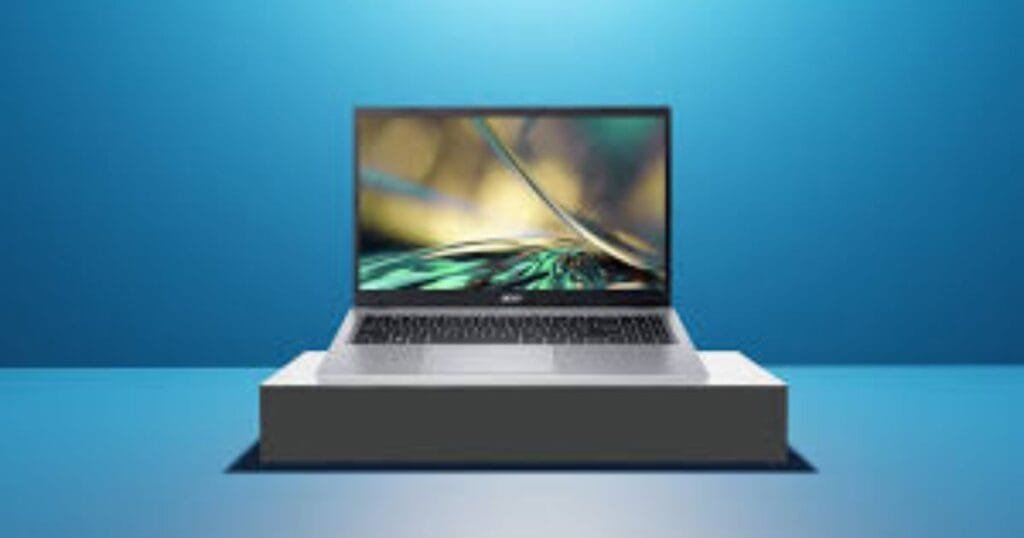
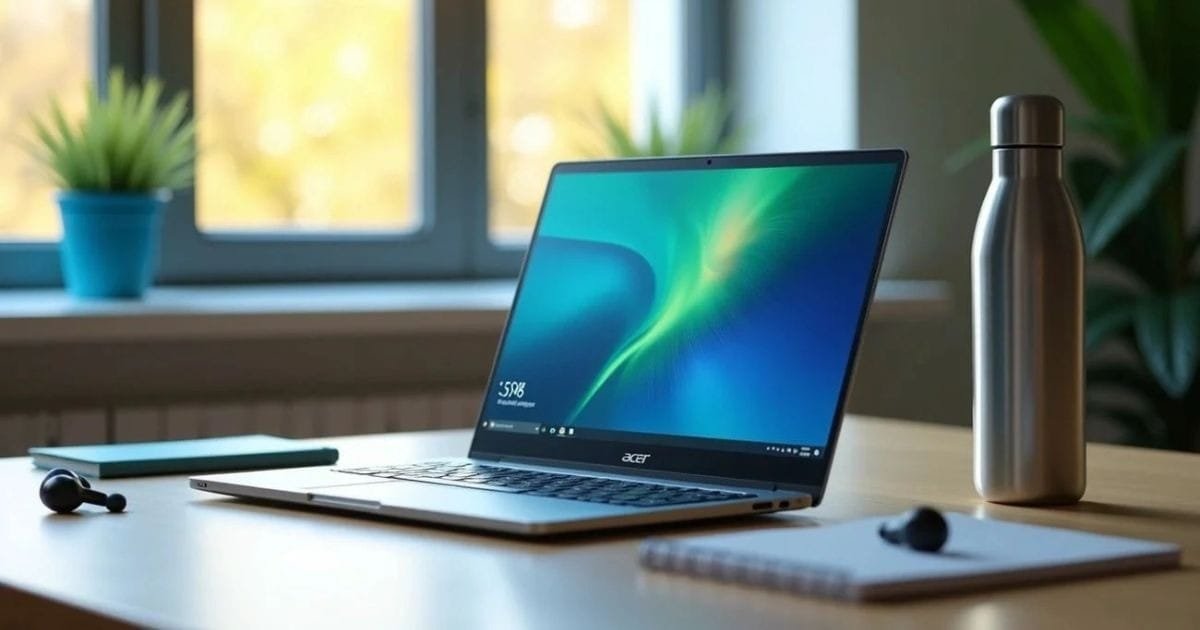
The Acer Aspire 3 Laptop is a top choice for students, offering a perfect balance of performance, reliability, and affordability. Whether attending online classes, completing assignments, or streaming videos, it handles daily tasks smoothly without straining your budget.
Its versatile specifications allow students to select models for basic work, multitasking, or light gaming. Coupled with good battery life, solid build quality, and decent display performance, it provides excellent value. Positive Acer Aspire 3 reviews praise its consistent performance, user-friendliness, and practical features, making it a reliable, student-friendly laptop choice.
Acer Aspire 3 Laptop Specs That Matter for Students
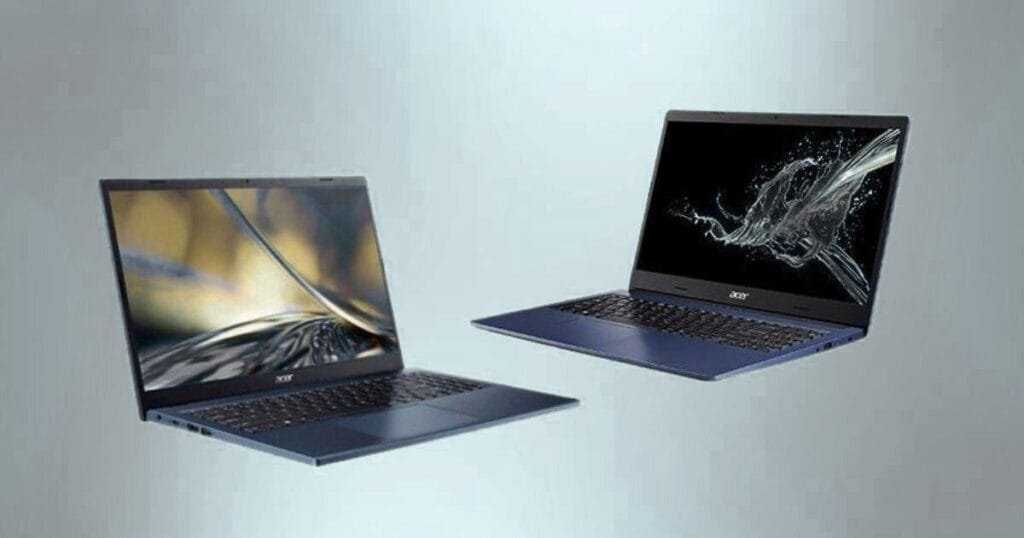
When choosing the right Acer Aspire 3 Laptop, understanding key specifications helps ensure you get the performance you need for student life. Below are the most important specs students should consider before making a decision.
Processor & RAM
The processor and RAM determine how fast your laptop can run applications.
For students, at least an Intel Core i3 or AMD Ryzen 3 with 8GB of RAM is ideal. This combination handles multiple tabs, classroom apps, and multitasking smoothly without lag.
Storage Options
Storage affects how many files you can keep and how fast your laptop boots up.
An SSD (256 GB or higher) is highly recommended because it makes startup and file access much faster compared to traditional hard drives.
Display & Graphics
A clear, comfortable display is essential for long study sessions.
Look for a 15.6-inch Full HD screen with decent color accuracy and viewing angles. Integrated graphics are usually sufficient for most student tasks.
Battery Life
Students need a laptop that lasts through classes and study sessions.
Aim for 7–9 hours of battery life on a single charge—enough to get through a full school day without searching for an outlet.
Understanding Acer Aspire 3 Price vs Performance
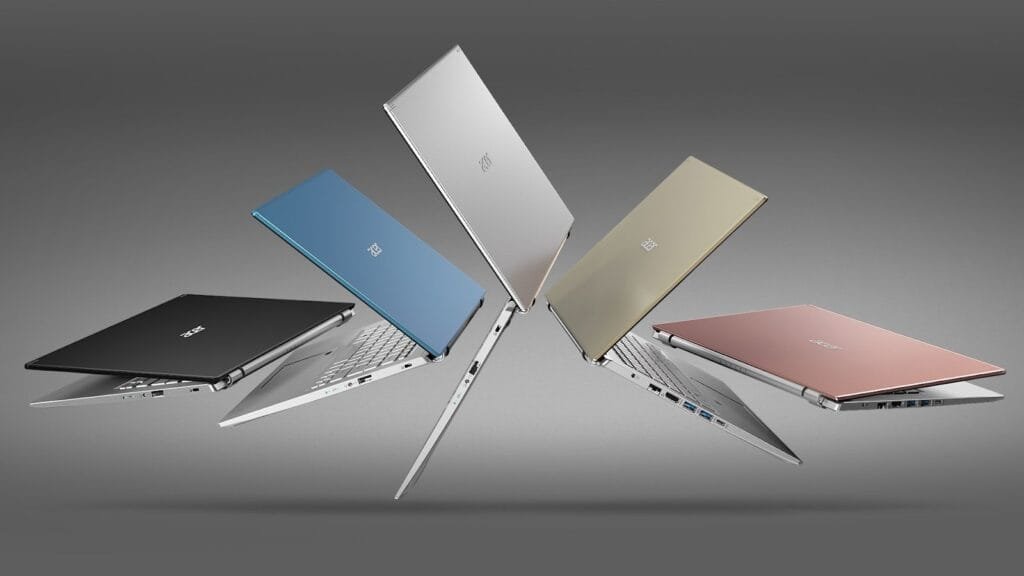
When picking a laptop, students must balance price and performance. The Acer Aspire 3 specs offers several configurations, allowing you to choose the model that fits your budget while still delivering reliable performance.
Price Ranges
Acer Aspire 3 laptops typically range from $350 to $600, depending on processor, RAM, and storage options. Basic models handle everyday tasks, while higher-spec models support multitasking and light gaming.
Value for Money
Compared to competitors, the Acer Aspire 3 series provides excellent performance per dollar, making it ideal for students who want efficiency without overspending.
Student Budget Considerations
For most students, a mid-range model with 8GB RAM, 256GB SSD, and a Full HD display hits the sweet spot between cost and capability. This ensures smooth study sessions, streaming, and productivity without paying for unnecessary extras.
Acer Aspire 3 Review: What Users Are Saying
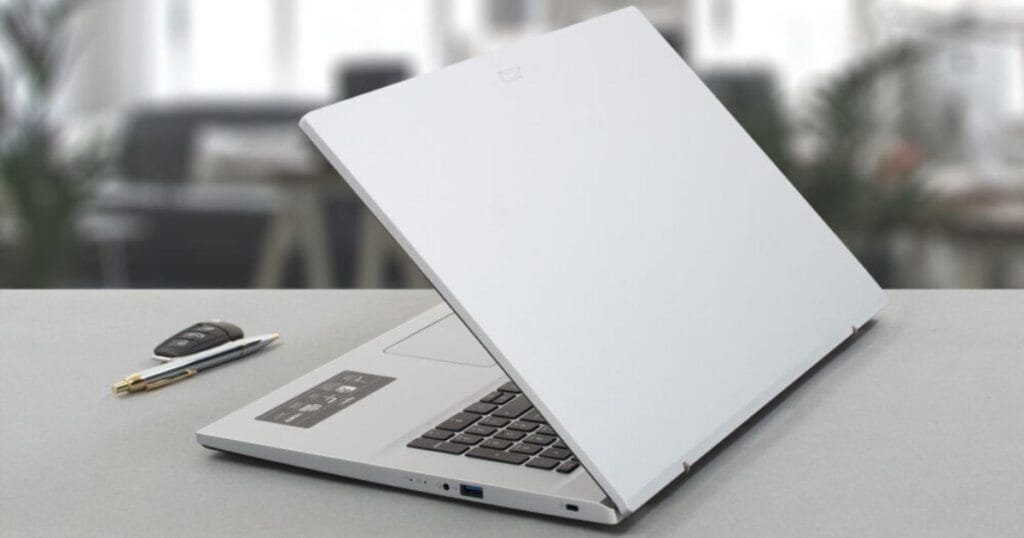
The Acer Aspire 3 Laptop has received positive feedback from students and casual users alike. Reviews highlight its reliable performance, affordable price, and student-friendly features. Many users appreciate its smooth multitasking ability and decent battery life, making it suitable for online classes and assignments.
Pros
- Affordable pricing for students
- Solid build quality and lightweight design
- Smooth multitasking with 8GB RAM
- SSD storage for fast boot and file access
- Decent battery life (7–9 hours)
Cons
- Basic integrated graphics, not ideal for heavy gaming
- Average speakers and webcam quality
- Display brightness could be higher for outdoor use
Overall, the Acer Aspire 3 Laptop delivers consistent performance for everyday student tasks, earning strong reviews for practicality and value.
Comparison Table: Acer Aspire 3 vs Competitor Laptops
| Feature | Acer Aspire 3 Laptop | Lenovo IdeaPad 3 | HP Pavilion 14 |
| Processor | Intel Core i3 / Ryzen 3 | Intel Core i3 / Ryzen 3 | Intel Core i3 / Ryzen 3 |
| RAM | 8GB | 8GB | 8GB |
| Storage | 256GB SSD | 256GB SSD | 256GB SSD |
| Display | 15.6″ Full HD | 15.6″ Full HD | 14″ Full HD |
| Battery Life | 7–9 hours | 6–8 hours | 7–8 hours |
| Price Range | $350–$600 | $370–$620 | $400–$650 |
| Best For | Everyday student tasks | Light productivity | Portability & daily use |
Analysis: The Acer Aspire 3 Laptop offers the best value for money for students, balancing performance, screen size, and battery life. While Lenovo and HP have similar specs, Acer’s slightly larger screen and consistent user reviews make it a practical choice for academic use.
When students choose a laptop, performance, reliability, and value for money are very important—whether it’s for assignments, online classes, or even trading-related tasks. If you are looking for a multi-purpose device that also delivers strong performance for trading, read our detailed guide on Best Laptops for Trading. It will help you understand which type of laptop works best for investing, analysis, and daily academic use.
Conclusion
The right laptop selection can be a major factor in a student’s education, and the Acer Aspire 3 Laptop is a standout, reliable, and affordable option. Its flexible specs, good build, average battery life, and user reviews of the Acer Aspire 3 make it very suitable for carrying out the daily tasks of a student.
Before you decide, plan your needs carefully, such as the processor, RAM, storage, and display. By picking the right setup, you will have a smooth experience, a durable product, and the best utilization of your budget.
Are you ready to purchase an Acer Aspire 3 laptop? Take a look at the latest models and choose the one that matches your study needs perfectly today!
FAQs
1. Is the Acer Aspire 3 Laptop a good fit for students?
Definitely, the Acer Aspire 3 Laptop is a great fit for students. The device is excellent for stable performance, good battery life, and a small price, which makes it suitable for online classes, homework, and multitasking.
2. What are the main specifications of the Acer Aspire 3 Laptop?
The main specifications of the machine are Intel Core i3/Ryzen 3 processors, 8GB RAM, 256GB SSD, and a 15.6-inch Full HD display. With these specs, everyday use will be smooth for students.
3. What is the price of the Acer Aspire 3 laptop?
The price is usually between $350 and $600, depending on the configuration. The models with higher specifications are more expensive but allow you to do multitasking and heavy app work better.
4. How is the Acer Aspire 3 student laptop different from others?
The Acer Aspire 3 Laptop offers value for money better than a few of its rivals, such as the Lenovo IdeaPad 3 and HP Pavilion 14. Besides, it has a slightly bigger display and more positive user reviews, which makes it a logical decision for students.