
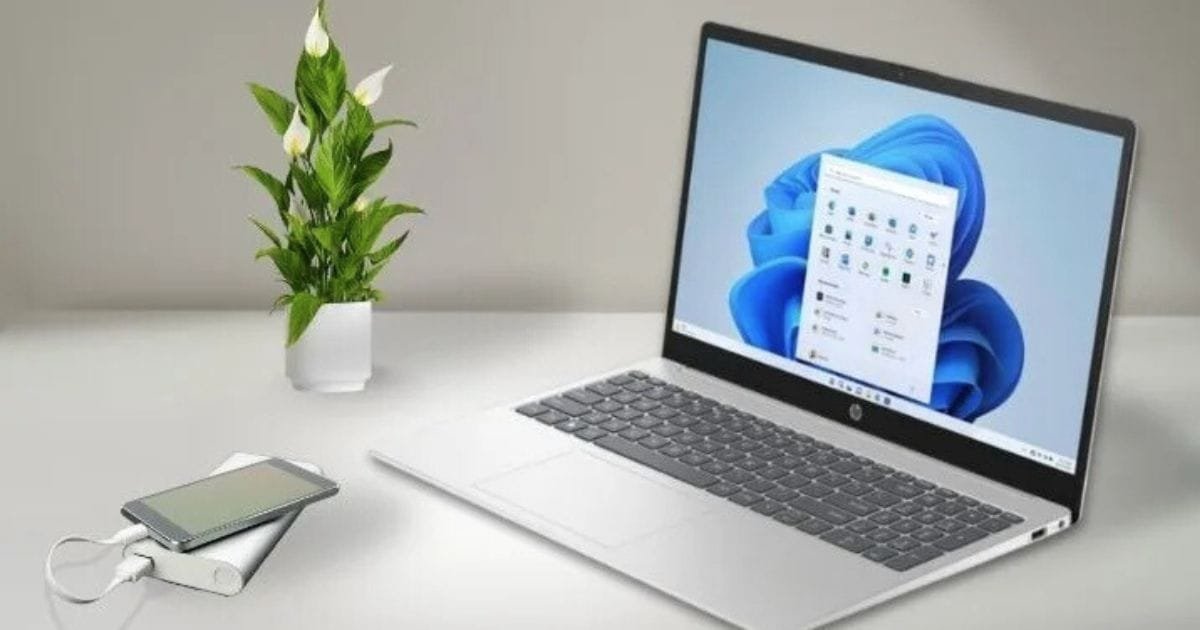
Looking for a reliable laptop that balances performance, portability, and value for office work? An HP Pavilion Laptop often hits the perfect sweet spot. From long battery life to comfortable keyboards and crisp displays, these laptops are designed to handle daily office tasks like spreadsheets, video calls, and multitasking with ease.
In this guide, we explore the top 10 HP Pavilion laptop models that suit different office needs, whether you travel frequently, work from home, or need a flexible touchscreen for presentations. Each model is carefully reviewed with expert insights to help you choose the right one.
Key Takeaways
- HP Pavilion Laptops balance performance, portability, and value for everyday office work.
- Best choices vary by need: Aero 13 for portability,
- Pavilion 15 for overall productivity and x360 for touchscreen adaptability.
- For heavy multitasking, prioritise 16GB RAM and SSD storage.
- Budget-friendly options include Pavilion 14/15 Ryzen models.
- Premium users may consider Pavilion Plus or Pavilion 16.
- Focus on battery life, keyboard comfort, and display quality and ports when selecting the right model.
How We Chose These HP Pavilion Laptop Models
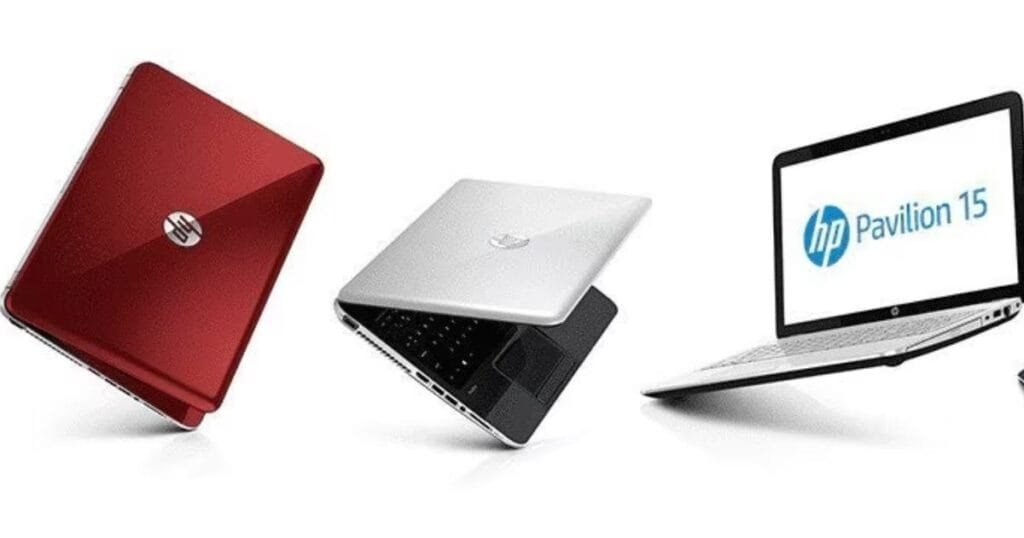
To select the best HP Pavilion Laptops for office work, we followed a careful, expert-level process:
- We reviewed HP product pages and trusted expert reviews to gather accurate specs and real-world performance insights.
- Models were evaluated based on CPU/GPU performance, RAM and storage, battery life, and display quality.
- We prioritised laptops with comfortable keyboards, quality webcams, and a reliable build for everyday office tasks.
- Price and value were considered alongside portability and overall usability for different office scenarios.
- Weighting system: Battery/Portability 30%, Performance 30%, Display & Keyboard 20%, Price/Value 20%.
- We included only widely available Pavilion models with consistent positive user feedback.
1. HP Pavilion Aero 13: Best Ultraportable for Travel
Overview:
The HP Pavilion Aero 13 is an ultra-light Pavilion laptop designed for users
who prioritise portability and long battery life. Perfect for commuting and day-long meetings.
Key Features:
Lightweight chassis (~1 kg) with long battery life, often lasting a full workday.
Comfortable keyboard and reliable performance for productivity apps.
Pros:
- Extremely portable and easy to carry.
- Long battery life supports full-day use.
- Solid keyboard for typing comfort.
Cons:
- Limited ports; may need adapters.
- The finish can scratch easily if not handled carefully.
Best For:
- Frequent travellers, students, and professionals on the move.
Tips:
- Opt for 16GB RAM if you often run multiple browser tabs and cloud apps.
- A 512GB SSD ensures faster boot times and file access.
2. HP Pavilion 15 Best All-Rounder
Overview:
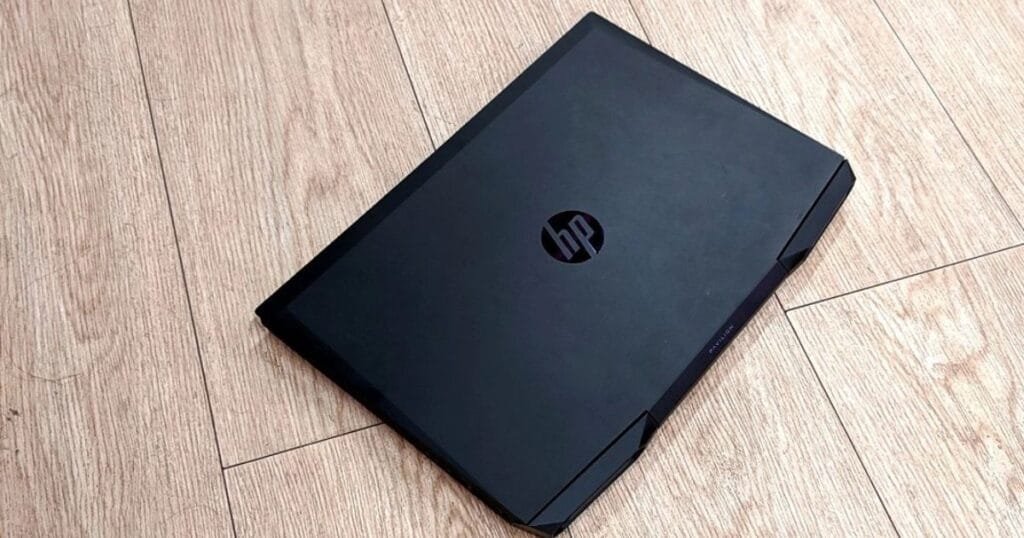
The HP Pavilion 15 offers a 15.6-inch screen and solid Intel or AMD CPU options,
making it ideal for general office tasks, multitasking, and light creative work.
Key Features:
- 15.6″ FHD display with Intel i5/i7 or AMD Ryzen options.
- Some SKUs include integrated Iris Xe or entry-level discrete GPUs.
Pros:
- Versatile performance for office productivity.
- A larger screen improves workflow for spreadsheets and documents.
- Comfortable keyboard for long typing sessions.
Cons:
- Heavier than ultraportable models.
- Battery life varies depending on configuration.
Best For:
- Office workers who need a reliable, larger display for multitasking.
Tips:
- Choose 16GB RAM and a mid-to-high-tier CPU for smoother multi-window productivity.
- SSD storage (512GB+) is recommended for faster performance and file handling.
3. HP Pavilion x360 14: Best Touchscreen 2-in-1
Overview:
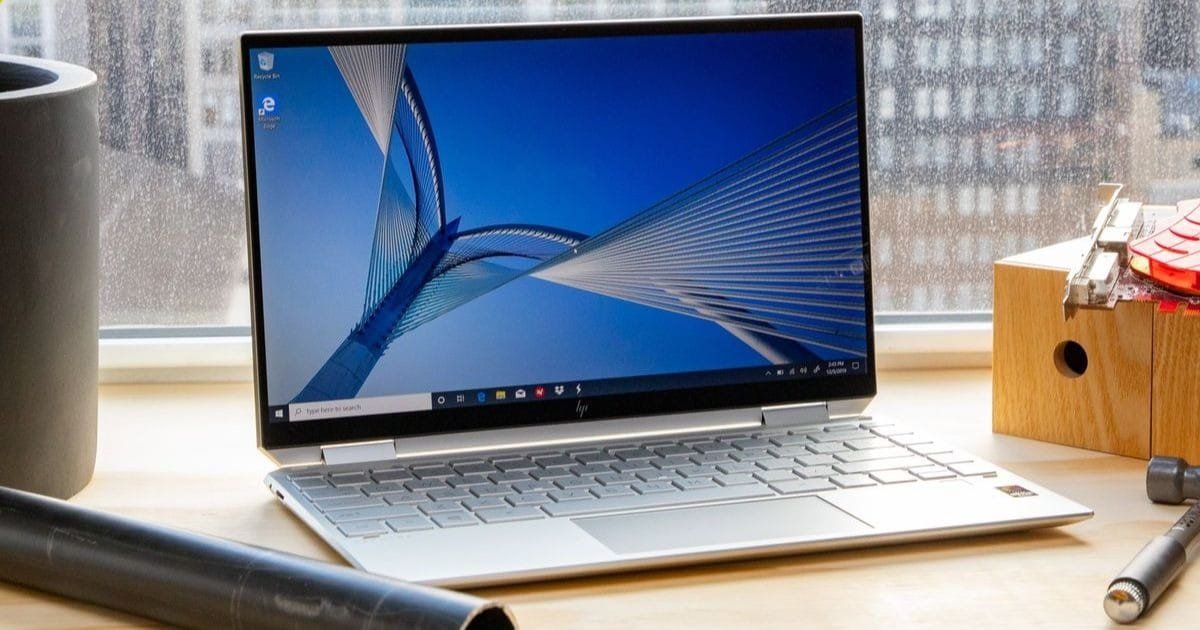
The HP Pavilion x360 14 is a flexible 2-in-1 laptop with a 360° hinge.
Perfect for presentations, note-taking, and interactive office tasks.
Key Features:
- 14″ Full HD touchscreen with stylus support on select models.
- Convertible design allows laptop, tablet, tent, or stand mode.
Pros:
- Versatile form factor for office presentations and creative tasks.
- Touchscreen enhances workflow with gestures and drawing apps.
- Lightweight and portable for on-the-go use.
Cons:
- Slightly less powerful than non-convertible Pavilion 15 models.
- Battery life can be shorter in tablet mode.
Best For:
- Professionals who need a touchscreen for meetings, brainstorming, or digital note-taking.
Tips:
- Pair with an HP Active Pen for precise input and note-taking.
- Consider models with 16GB RAM and SSD for smoother multitasking.
HP Pavilion 16 — Best for Heavy Multitasking
Overview:
The HP Pavilion 16 features a larger 16-inch display and higher-end CPU/GPU options,
making it ideal for professionals handling multiple applications simultaneously.
Key Features:
- 16″ FHD+ display with optional IPS panel for vivid colours.
- Intel i7 or AMD Ryzen 7 options, some with NVIDIA MX or GTX graphics.
Pros: A large screen enhances productivity and multitasking.
- Powerful CPU and GPU handle demanding office tasks.
- Robust build quality and a reliable cooling system.
Cons:
- Heavier and less portable than smaller Pavilion models.
- Slightly higher price point compared to Pavilion 15.
Best For:
- Office workers running multiple apps, large spreadsheets, or light creative software.
Tips:
- Opt for 16–32 GB RAM for seamless multitasking.
- SSD storage (512GB–1TB) ensures fast file access and boot times.
The HP Pavilion Gaming Laptop is the best for graphics and power.
Overview:
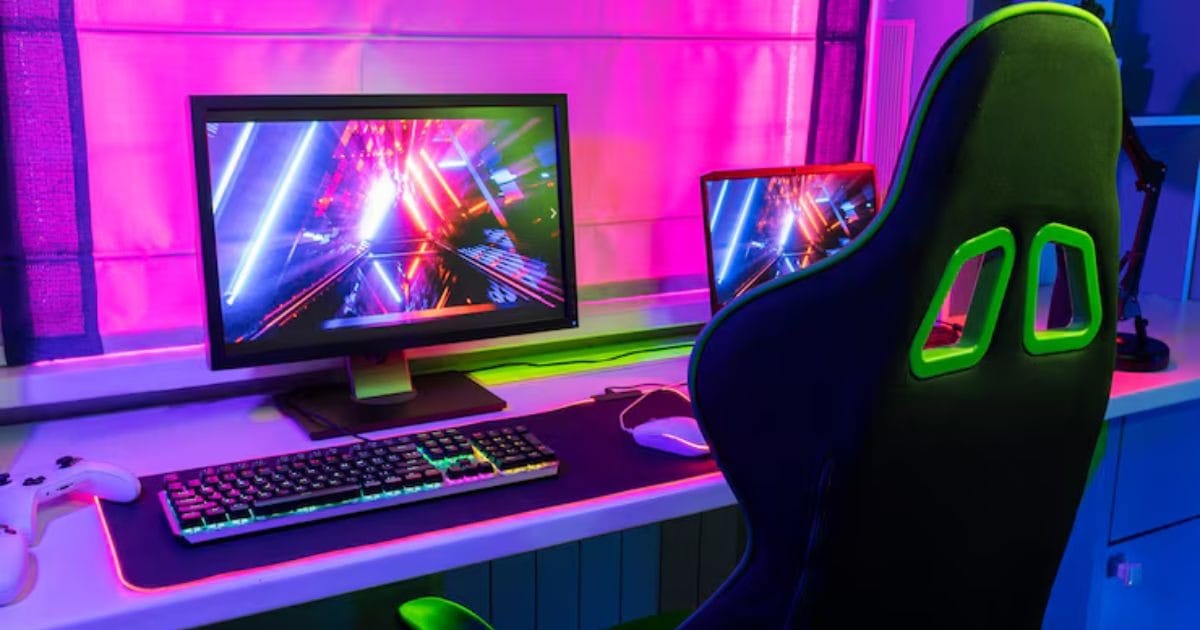
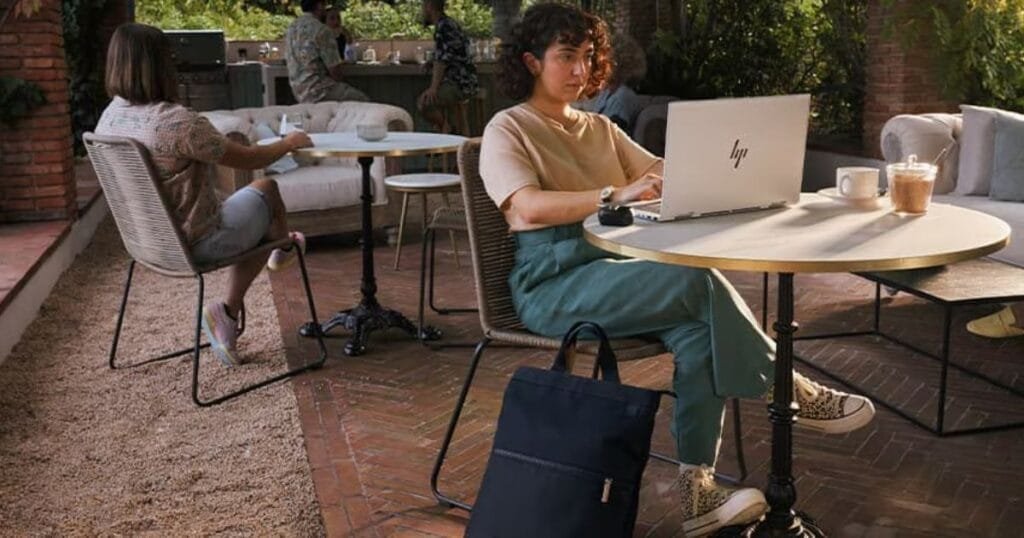
The HP Pavilion Gaming Laptop combines office productivity with gaming-grade performance,
making it suitable for professionals who also need graphics-intensive applications.
Key Features:
- 15.6″ or 16″ FHD display with high refresh rates.
- Equipped with NVIDIA GTX/RTX graphics for smooth visuals.
- Intel i5/i7 or AMD Ryzen 5/7 CPU options.
Pros:
- Strong performance for multitasking and light creative work.
- High-refresh display is great for videos and design tasks.
- Durable build quality and enhanced cooling system.
Cons:
- Slightly bulkier than standard Pavilion laptops.
- Battery life is shorter under heavy loads.
Best For:
- Professionals running graphic design software, video editing, or multitasking with multiple apps.
Tips:
- Select models with 16GB+ RAM and SSD storage for optimal performance.
- Ensure the GPU configuration matches your workload needs.
When choosing an HP Pavilion laptop for office work, battery life is one of the most important factors to consider, especially if you’re often on the go or working long hours without access to a power outlet. To help you find options that balance performance and endurance, check out our guide on HP laptops with long battery life here: Top 5 HP Laptops with Long Battery Life. It highlights models that keep you productive throughout the day.
HP Pavilion Laptop Comparison Table
| Model | Screen Size | CPU Options | RAM | Storage | Graphics | Battery Life | Best For |
| Aero 13 | 13.3″ | AMD Ryzen 5/7 | 8–16 GB | 256–512 GB SSD | Integrated | Up to 12 hrs | Portability, Travel |
| Pavilion 15 | 15.6″ | Intel i5/i7, AMD Ryzen 5/7 | 8–16 GB | 256–512 GB SSD | Integrated/Entry GPU | 7–9 hrs | All-Round Office Use |
| x360 14 | 14″ | Intel i5/i7, AMD Ryzen 5/7 | 8–16 GB | 256–512 GB SSD | Integrated | 8–10 hrs | Touchscreen, 2-in-1 |
| Pavilion 16 | 16″ | Intel i7, AMD Ryzen 7 | 16–32 GB | 512GB–1TB SSD | NVIDIA MX/GTX | 6–8 hrs | Heavy Multitasking |
| Pavilion Gaming | 15.6–16″ | Intel i5/i7, Ryzen 5/7 | 16 GB | 512GB–1TB SSD | NVIDIA GTX/RTX | 5–7 hrs | Power, Graphics |
Pros & Cons of Top HP Pavilion Laptops
| Model | Pros | Cons |
| Aero 13 | Ultra-light and portable; Long battery life; Comfortable keyboard | Limited ports; Finish can scratch easily |
| Pavilion 15 | Versatile performance; Larger screen; Comfortable typing | Heavier than smaller models; Battery life varies |
| x360 14 | Flexible 2-in-1 design; Touchscreen support; Portable | Slightly less powerful; the battery is shorter in tablet mode |
| Pavilion 16 | Large screen, Powerful CPU/GPU, and Excellent multitasking | Heavier; Higher price point |
| Pavilion Gaming | High performance; Great graphics, and Durable build | Bulkier; Shorter battery under load |
Conclusion
Deciding on the most suitable HP Pavilion Laptop for office work is largely dependent on what it is that you value most: portability, performance, or touchscreen flexibility.
The HP Pavilion Aero 13 is a delightful travelling companion; the Pavilion 15 can efficiently cater to your needs as a versatile device; the x360 14 imparts the user with touchscreen adaptability and intimacy, while the Pavilion 16, together with the gaming models, is capable of handling heavy multitasking and graphics-intensive tasks.
It all boils down to knowing your work style, figuring out the specs you need and your budget, and then you can go ahead to choose a model that will keep you both productive and comfortable.
Moreover, the HP Pavilion series laptops mentioned here carry the same values of reliability, professional performance, and up-to-date features, thus putting them in the league of the most dependable office environment devices.
FAQs
What is the best HP Pavilion laptop for office work?
If the tasks to be performed are standard office work, the HP Pavilion 15 is the best choice because of its good balance between performance, screen size, and portability. The HP Pavilion Aero 13 is a good option if you are often on the road, and the HP Pavilion x360 14 with its touchscreen flexibility is just right.
Are HP Pavilion touchscreen laptops good for productivity?
Indeed, HP Pavilion touchscreen laptops such as the x360 14 can improve productivity by facilitating a more rapid and intuitive workflow through touch-based navigation, note-taking, and presentations, thus making multitasking easier.
Is it possible to use an HP Pavilion gaming laptop for office work?
Definitely, an HP Pavilion Gaming laptop is not only a good gaming machine but also a strong performer for demanding office software, complex spreadsheets, and creative applications that you run alongside your gaming.
How much RAM and storage should I have on my HP Pavilion laptop?
8GB RAM is the bare minimum that can get you through basic tasks; however, 16GB RAM would be great if you are into multitasking. An SSD of 256GB-512GB is recommended to ensure that the laptop runs at high speed and that you have a smooth flow of work.