

Picking the right business laptop can be tricky when there are so many choices. Each brand promises power, long battery life, and light designs — but not all are made for real work needs. Whether you’re an office worker, student, or small business owner, the right laptop can make your tasks faster and easier.
The best professional laptops help you stay productive, protect your data, and last for years. This guide will walk you through all the key things to check before buying — from performance and battery life to design and price — so you can confidently pick the perfect device for your work life.
What Makes a Good Business Laptop?
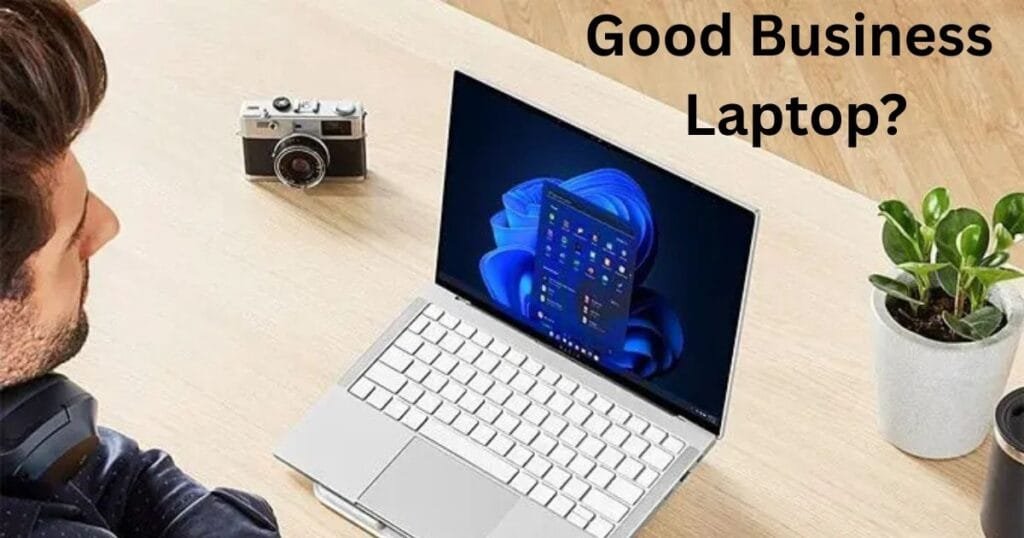
A good business laptop should be fast, reliable, and secure. It must handle many tasks at once, like running emails, video calls, and spreadsheets smoothly. Look for laptops with at least 8GB of RAM, the latest Intel or AMD processors, and SSD storage for quick file access.
Battery life should last through a busy day, and the design should be light enough to carry easily. Also, make sure it has enough ports for USB drives, HDMI, and a charger. Strong security features like fingerprint or face lock keep your data safe — very important for professionals.
Speed and Power That Keep Up
Performance Insight:
When buying a business laptop, always start with performance. The processor (CPU) and memory (RAM) decide how fast your laptop runs. For daily work like browsing, reports, or Zoom calls, an Intel Core i5 or AMD Ryzen 5 is perfect. If you use heavy apps for design or coding, choose i7 or Ryzen 7.
RAM helps your laptop handle more apps at once. Go for 8GB minimum — 16GB if you often multitask or use big files. Together, a good CPU and enough RAM make sure your laptop works smoothly without freezing or slowing down.
SSDs Make Everything Faster
Storage Snapshot:
Storage plays a big part in how fast your professional laptop feels. Always go for an SSD instead of an old-style hard drive. SSDs make your laptop start up quickly and open apps instantly.
If you work with many documents or photos, 512GB is a good choice. For light office work, 256GB can be enough. SSDs also last longer and use less power. You can always add external or cloud storage later. Choosing an SSD means smoother performance and faster access to all your files.
Clear and Comfortable for Long Hours
Display Review:
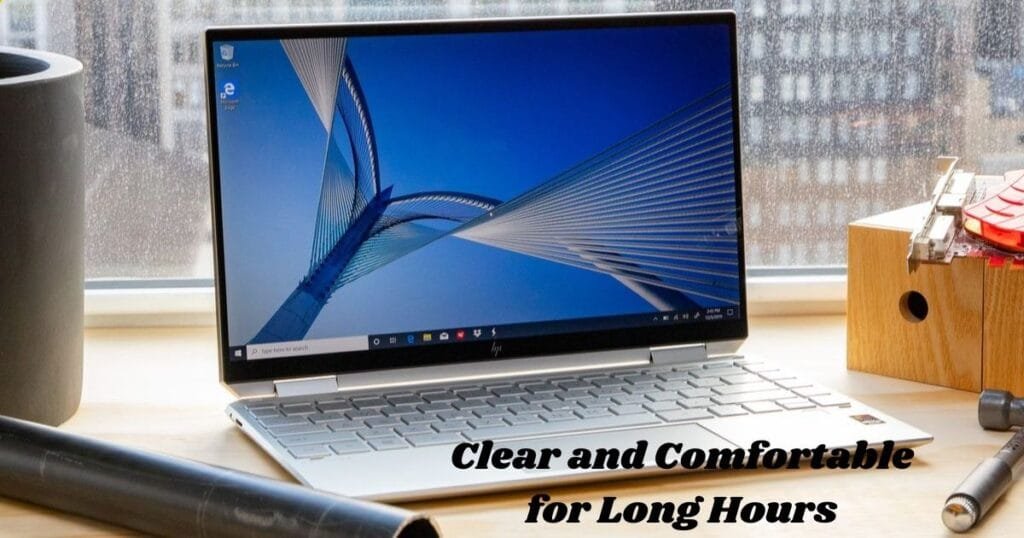
The screen on your business laptop should be easy on your eyes. A 14-inch or 15-inch screen is perfect for work — not too small, not too big. If you travel a lot, a 13-inch laptop is easier to carry.
Always choose Full HD (1920×1080) resolution for sharp and clear visuals. Anti-glare screens help reduce eye strain, especially under bright lights. Touchscreen displays are nice for creative users or quick note-taking. If possible, pick an IPS display — colors look better and the view stays clear even from side angles.
Work All Day Without Worry
Life Review:
A reliable business laptop should last through your workday on a single charge. Look for one that offers at least 8–12 hours of battery life. This way, you won’t be searching for a plug during meetings or travel.
Fast charging is also a great bonus — some models can charge 50% in half an hour. Always check real-world reviews, not just the company’s claim. A long-lasting battery helps you stay focused and productive no matter where you work from — office, café, or airport.
Keep Your Work Safe

Security Snapshot:
Security matters a lot in laptops for office use. Many new models include fingerprint readers, facial recognition, and TPM chips for added safety. These protect your files and keep strangers from accessing your system.
Also, some laptops have camera privacy shutters and secure BIOS protection. If you work with sensitive information, make sure your laptop meets business-level security standards. Combine these features with strong passwords and antivirus software for full protection.
Light, Slim, and Travel-Ready
Portability Insight:
If you move around often, a professional laptop should be light and easy to carry. A good weight is between 1.2 to 1.5 kg — light enough for travel but strong enough for daily use.
Modern laptops prove that thin designs can still be powerful. Aluminum bodies feel premium and last longer than plastic ones. Backlit keyboards are great for working in dim light, while big touchpads make navigation smooth. A portable design helps you stay productive anywhere.
Stay Connected Anytime
Connectivity Review:
For most people, connectivity makes or breaks a business laptop. Look for several USB ports, HDMI, and a USB-C slot for new gadgets. Wi-Fi 6 or newer gives faster internet and better video calls.
Some laptops even have 4G or 5G options for internet on the go. Bluetooth 5.0 or higher makes pairing wireless mice, earphones, or printers easy. These features help you stay connected and keep your work running smoothly — no matter where you are.
Built Strong for Everyday Use
Durability Insight:
A laptop for office use should be tough enough for travel and daily wear. Many business models go through drop, pressure, and heat tests to prove their strength. Look for laptops with military-grade certification if you want something extra sturdy.
Aluminum or magnesium-alloy builds are stronger and lighter. Some keyboards are spill-resistant, which helps avoid damage from accidents. A strong, well-built laptop lasts longer and saves money in the long run.
Trusted Names in Business Laptops
Brand Review:
When it comes to business laptops, brand trust matters. Dell, HP, Lenovo, and Apple are among the top names. Dell’s Latitude and HP’s EliteBook are great for office users. Lenovo ThinkPads are known for their strong build and comfortable keyboards. MacBooks are loved for their speed and design.
Choose a brand with good customer service and warranty support. Reliable brands make sure your device performs well and stays in top shape over time.
Find Value for Your Money

Budget Snapshot:
A laptop for business purposes does not have to be extremely expensive. There are decent choices available for any budget. Laptops under $800 will be sufficient if all you want to do is write, browse, or check emails.
To be able to multitask and have more power, you should consider medium-range options that cost around $1000–$1500. Expensive laptops that cost more than $2000 are the most suitable ones for doing video editing, designing, or data analysis. It is better to always put your money into things that are most important — a processor, a battery, and storage — instead of putting money into attractive but unnecessary things.
When you’re planning to buy a business laptop, it’s wise to consider not only performance and reliability but also the HDR features found in gaming laptops — especially if you work with visuals or multimedia tasks. For detailed comparisons and HDR-enabled models, check out our article on Top 10 Gaming Laptops with HDR Support for Stunning Visuals
Conclusion
The decision of selecting the right business laptop literally boils down to identifying what kind of laptop would fit your work style the best. Don’t simply go after high specs — concentrate on what will enable you to work better every day. What a great laptop should comprise qualities such as fast, secure, light, and reliable enough to be able to do your tasks wherever you want.
If you consider battery life, storage, and performance at the same time, you will end up making the right decision. Keep in mind that your laptops for business users is not just a machine — it’s the partner that will walk with you on the road to success. Choose wisely, and it will return the favor to you by working efficiently for years.
FAQs
What should I check before buying a business laptop?
Processor, RAM, storage, and battery life are the things you need to check. A business laptop should be able to deliver good performance and keep charging during your working day.
Are professional laptops better for office use?
Definitely, professional laptops are designed to handle multitasking, security, and long hours of use, which makes them great for both office and remote working.
Which brands make the best laptops for office use?
Good laptops for office use that are equipped with efficient performance and reliable support are made by brands like Dell, HP, Lenovo, and Apple.
How much RAM do I need for a business laptop?
8GB RAM will satisfy the needs of the majority of users. If you are a heavy multitasker or work with resource-intensive software, a business laptop with 16GB RAM will provide you with a smoother experience.
Do business laptops have better security?
Yes, for example, some business laptops come with features like fingerprint locks, encryption, and camera privacy covers to ensure the security of your files.