
Building or upgrading a gaming desktop PC should feel exciting. You expect smooth gameplay, high frame rates, and zero lag. Yet many gamers unknowingly make simple mistakes that can quietly undermine their performance. These PC gaming errors don’t always show up immediately, but over time, they lead to slow loading, stuttering gameplay, overheating, and frustrating crashes.
The good news? Most performance issues are preventable. With the right knowledge, you can avoid common PC build problems and unlock the true power of your system.
This guide breaks down the five most costly gaming desktop PC mistakes—why they happen, how they hurt performance, and exactly how to fix them.
Mistake #1: Choosing the Wrong CPU–GPU Balance
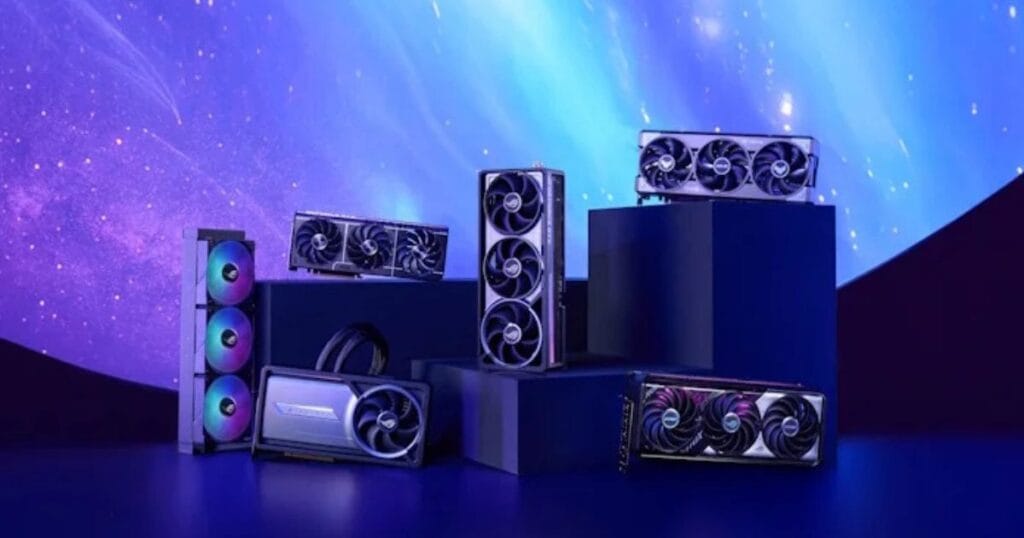
A gaming desktop PC suffers when the processor and graphics card are not properly balanced. A weak CPU with a powerful GPU creates bottlenecks, leading to low FPS and stuttering. This mismatch wastes hardware potential and prevents games from running smoothly, even on high-end systems.
Why This Kills Performance
When your CPU can’t keep up with your graphics card, bottlenecks occur. This leads to:
- Low FPS despite a high-end GPU
- Stuttering in CPU-heavy games
- Wasted hardware potential
According to industry benchmarks, CPU bottlenecks can reduce gaming performance by 20–35%, even on expensive systems.
Expert Fix
- Match mid-range GPUs with mid-range CPUs
- For high-end GPUs, choose CPUs with strong single-core performance
- Always check the bottleneck calculators before buying
Mistake #2: Insufficient or Slow RAM Configuration
Using insufficient RAM, slow memory speeds, or single-channel setups can severely limit gaming performance. Many modern games require faster and properly configured RAM to load textures smoothly. Poor RAM choices often cause lag, long loading times, and reduced overall system responsiveness.
Common PC Build Problems
- Using only 8GB RAM in modern games
- Single-channel instead of dual-channel RAM
- Buying low-speed RAM incompatible with the motherboard
These issues can turn a capable gaming desktop PC into a slow gaming PC.
Expert Fix
- Use 16GB minimum for modern gaming
- Always enable dual-channel mode
- Match RAM speed with the motherboard and CPU specs
Mistake #3: Ignoring Proper Cooling and Airflow
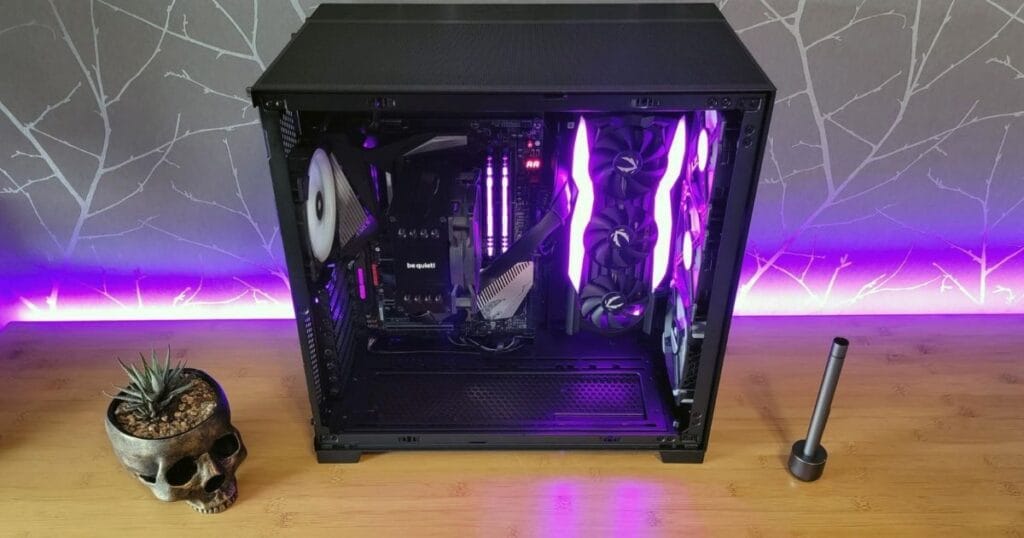
Without proper cooling and airflow, a gaming desktop PC quickly overheats during gameplay. High temperatures force the system to reduce performance to protect components. This results in sudden FPS drops, crashes, and long-term damage to hardware if ignored.
Why Cooling Matters
When temperatures rise, your system throttles performance to protect itself. This causes:
- FPS drops during long sessions
- Sudden game crashes
- Shortened hardware lifespan
Poor airflow is one of the most overlooked performance issues in gaming PCs.
Expert Fix
- Use at least two intake and one exhaust fan
- Apply thermal paste correctly
- Clean dust every 3–6 months
Mistake #4: Making Use of an Antiquated or Inadequate Power Source
A low-quality or underpowered power supply causes unstable performance and unexpected shutdowns. Inconsistent power delivery prevents components from running at full capacity. Over time, a weak PSU can damage expensive parts and reduce system reliability.
Hidden Dangers
- Random shutdowns
- GPU underperformance
- Risk of hardware damage
Many PC gaming errors trace back to unstable power delivery.
Expert Fix
- Choose 80+ Bronze or Gold certified PSUs
- Calculate wattage with 20–30% headroom
- Buy from trusted brands only
Mistake #5: Poor Storage Choices and Drive Setup
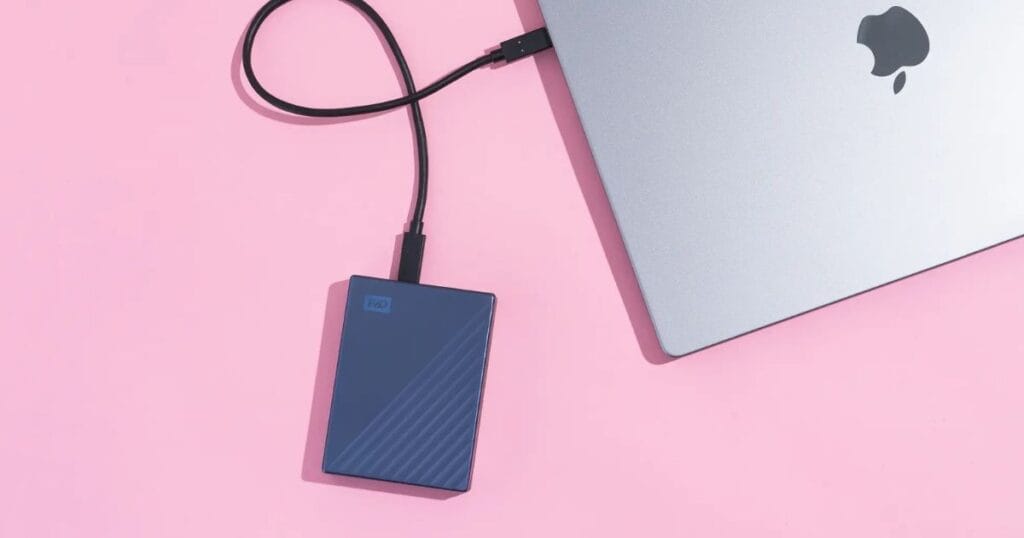
Running games on outdated hard drives or nearly full storage devices slows load times and affects in-game performance. Modern games rely on fast data access. Poor storage choices lead to delayed textures, stuttering, and an overall sluggish gaming experience.
Why Storage Matters
- HDDs cause long loading screens
- Old SATA SSDs bottleneck modern games
- Full drives slow overall system speed
Expert Fix
- Install games on NVMe SSDs
- Keep at least 20% free space
- Use separate drives for OS and games
Comparison Table: Performance Impact of PC Build Problems
| Mistake | Performance Loss | Fix Difficulty |
| CPU–GPU mismatch | High | Medium |
| Slow RAM | Medium | Easy |
| Poor cooling | High | Medium |
| Weak PSU | Critical | Medium |
| Slow storage | Medium | Easy |
Pros and Cons of Building a Gaming Desktop PC
Pros
- Full performance customization
- Better cooling options
- Easier upgrades
- Long-term cost efficiency
Cons
- Requires technical knowledge
- Mistakes can reduce performance
- Higher upfront cost
Key Takeaways
- CPU and GPU Mismatch: An unbalanced processor and graphics card create bottlenecks that reduce FPS and cause stuttering. Even powerful GPUs cannot perform well if the CPU cannot keep up with game demands.
- RAM Configuration Errors: Using low-capacity, slow, or single-channel RAM limits performance. Modern games need fast, properly configured memory for smooth gameplay and faster loading.
- Poor Cooling and Airflow: Inadequate cooling causes overheating, forcing the system to throttle performance. This results in FPS drops, crashes, and reduced hardware lifespan.
- Weak Power Supply: An underpowered PSU leads to instability, shutdowns, and long-term hardware damage.
- Slow Storage Choices: Old or full drives increase load times and slow overall gaming performance.
Conclusion
A gaming desktop PC usually loses performance not because of weak hardware, but due to small yet costly mistakes during building or upgrading. Poor CPU and GPU balance, bad airflow, slow or insufficient RAM, weak power supplies, and outdated storage can silently reduce performance. These PC gaming errors often cause low FPS, overheating, long loading times, and crashes. Even expensive components cannot perform well if the system is poorly planned or configured. Understanding how each part works together is essential to avoiding long-term performance issues.
Fixing these mistakes can turn a slow gaming PC into a smooth, stable system without unnecessary upgrades. Smart choices improve performance and lifespan.
Call-to-Action Box
Want smoother gameplay without buying new parts?
Audit your gaming PC today and fix these mistakes before upgrading.
While gaming desktops are optimized for high performance, many of the same principles apply when choosing a business desktop PC for office work — especially regarding reliability, efficiency, and hardware balance. If you’re setting up a workstation specifically for office productivity, it’s important to know which features matter most and which systems deliver the best value. To explore top business desktop options and make a smart choice for your office needs, check out our guide on Business Desktop PC for Office
FAQs
Why is my gaming desktop PC still slow after upgrades?
Because performance issues often come from bottlenecks, cooling problems, or power delivery, not just weak parts.
How much RAM is ideal for gaming today?
For most modern games, 16GB is the sweet spot, while 32GB benefits heavy multitasking.
Does storage really affect gaming performance?
Yes. NVMe SSDs significantly reduce load times and texture streaming delays.
Why is my gaming desktop PC still slow?
Even after upgrades, slow performance usually comes from CPU–GPU bottlenecks, insufficient RAM, poor cooling, weak power supply, or outdated storage—not just weak hardware. Fixing these issues can restore smooth gameplay.
How much RAM do I need for gaming?
For most modern games, 16GB of RAM is ideal for smooth performance. Heavy multitasking or high-end gaming setups may benefit from 32GB, ensuring faster load times and better stability.