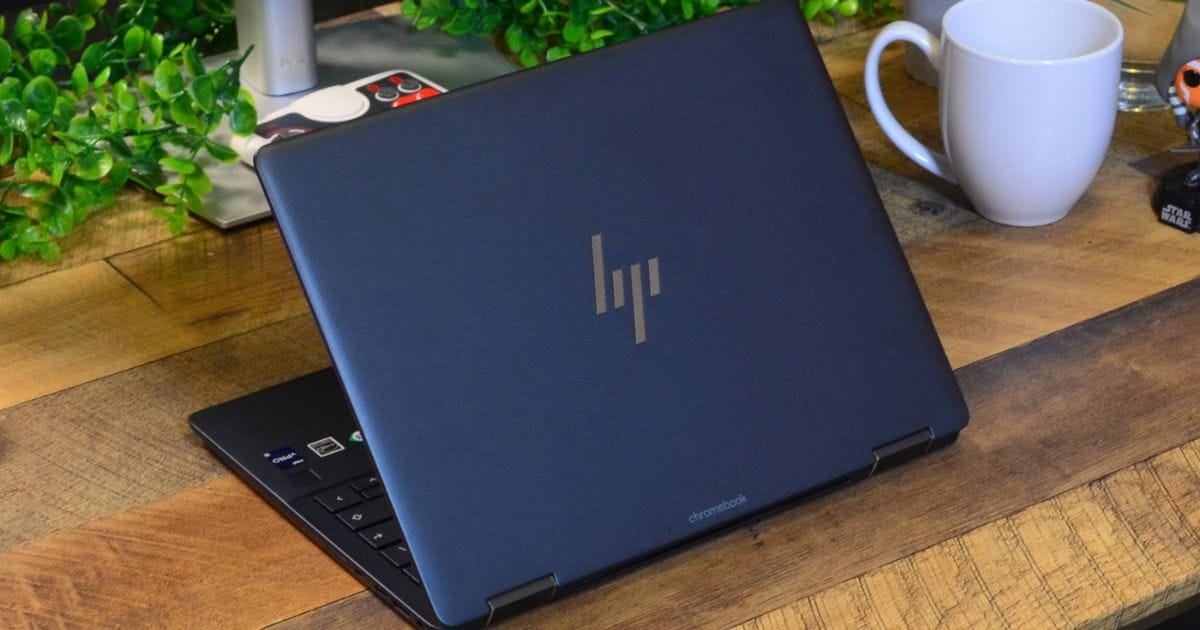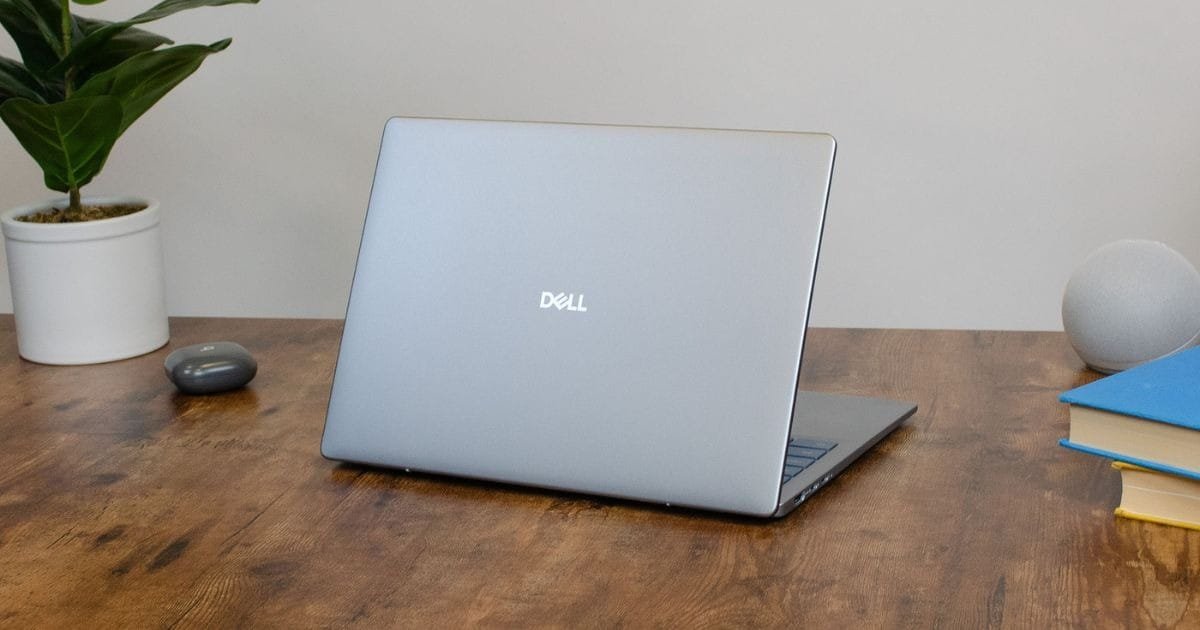

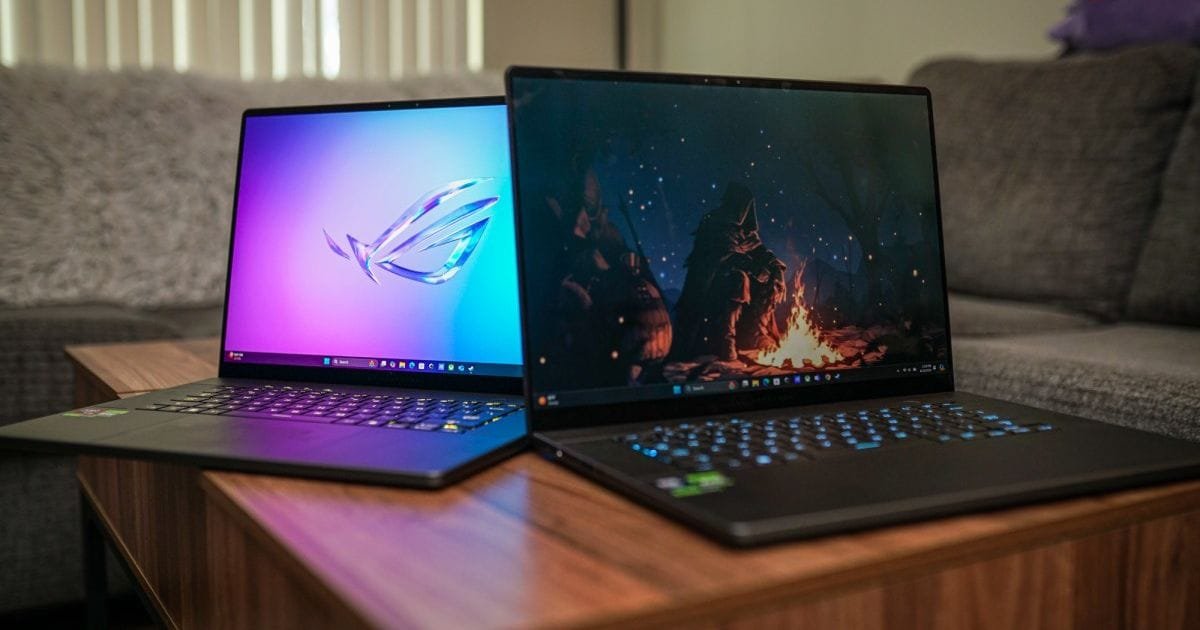
Technology is evolving fast, and Touchscreen Laptops are now essential for students, professionals, and casual users alike. In 2025, these devices combine portability, power, and flexibility for work and entertainment. But how do you choose the best one without overspending? This guide reveals the Top 10 Affordable Touchscreen Laptops for Everyday Use, highlighting models that balance performance, price, and usability. From lightweight hybrids to durable ultra books, these laptops redefine convenience. Let’s explore the best options that bring premium features within reach.
Why Should You Choose Touchscreen Laptops in 2025?

Touchscreen laptops offer a perfect blend of power, flexibility, and convenience. They go beyond basic tap-and-swipe use, allowing users to draw, scroll, and work more intuitively. These devices combine the practicality of traditional laptops with the interactivity of tablets, making them ideal for both productivity and entertainment.
In 2025, most touchscreen models feature enhanced stylus support, smoother touch response, and durable glass displays. Whether you’re a student, artist, or professional, touchscreen laptops help you work smarter and faster. They’re versatile, engaging, and perfectly suited to modern digital lifestyles.
1. HP Pavilion x360
The HP Pavilion x360 is a standout in budget-friendly convertible devices. Its 360-degree hinge transforms it into a tablet or laptop with ease.
Main Highlights:
- 14-inch full HD touch display
- Intel Core i5 (12th Gen)
- Battery life up to 10 hours
Advantages: Smooth touchscreen, solid build, and reliable processing.
Downsides: Slightly heavy compared to newer hybrids.
Tip: Ideal for multitaskers who switch between creative and office tasks.
2. Lenovo IdeaPad Flex 5
A trusted option for affordability and comfort, the IdeaPad Flex 5 offers flexibility and strong day-to-day performance.
Key Points:
- 14-inch 2-in-1 touchscreen
- AMD Ryzen 5 chip
- 16GB RAM and 512GB SSD
Strengths: Bright display and long battery runtime.
Weakness: Average speakers.
Advice: Perfect for students and light office users seeking reliable touchscreen laptops.
3. Acer Spin 3
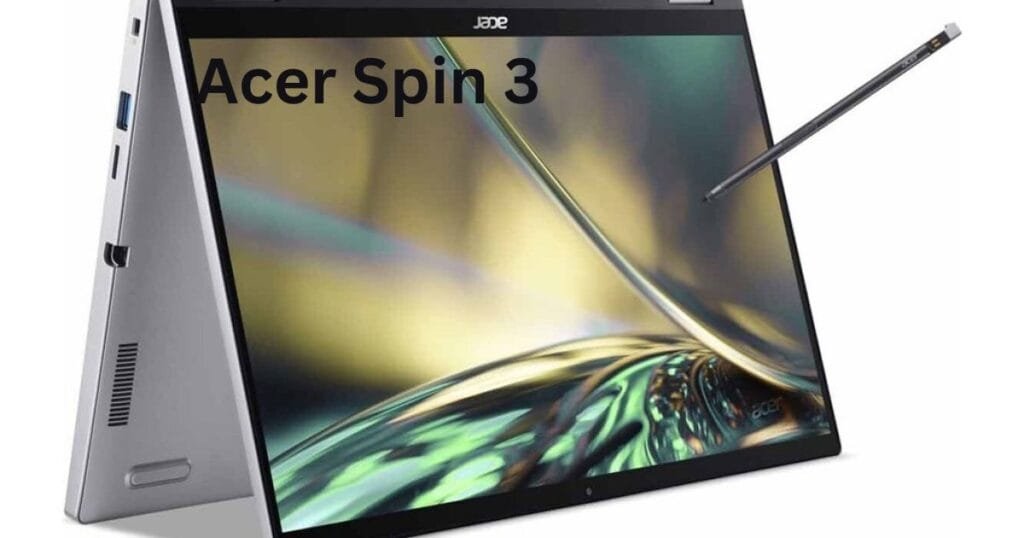
The Acer Spin 3 merges style and substance for professionals and students on the move.
Essential Details:
- 14-inch touchscreen panel
- Intel Core i5 (11th Gen)
- Active stylus support
Pros: Pen input enhances note-taking.
Cons: Slight screen glare outdoors.
Guidance: Great pick if you often sketch or edit designs.
4. ASUS VivoBook Flip 14
The ASUS VivoBook Flip 14 is sleek, compact, and stylish — perfect for creative teens or working adults.
Notable Details:
- 14-inch Full HD touchscreen
- AMD Ryzen 7 processor
- 512GB SSD storage
Pluses: Fast boot time and responsive screen.
Minuses: No Thunderbolt support.
Recommendation: One of the most balanced Touchscreen Laptops for everyday productivity.
5. Dell Inspiron 14 2-in-1
Dell’s Inspiron 14 offers durability and dependable performance at a moderate price.
Key Attributes:
- Intel Core i5 (12th Gen)
- 14-inch IPS touchscreen
- Backlit keyboard
Benefits: Durable chassis and precise screen interaction.
Limitations: Fans can get noisy under heavy use.
Advice: Perfect for writers and college students.
6. Microsoft Surface Go 3
For those who want ultra-portability, the Surface Go 3 is a compact touchscreen ultrabook designed for travelers.
Noteworthy Specs:
- 10.5-inch PixelSense display
- Intel Pentium Gold processor
- Detachable keyboard
Advantages: Lightweight, premium feel.
Drawbacks: Limited ports.
Suggestion: Best suited for note-taking and browsing during commutes.
7. Lenovo Yoga 7i
A step up in design and display quality, the Yoga 7i shines for both work and play.
Specifications:
- 14-inch 2.2K touchscreen
- Intel Evo-certified Core i7
- Fingerprint reader
Good Points: Brilliant colors and fluid navigation.
Bad Points: Slightly higher cost, but worth it.
Advice: Among the most polished hybrid laptops in 2025.
8. HP Envy x360
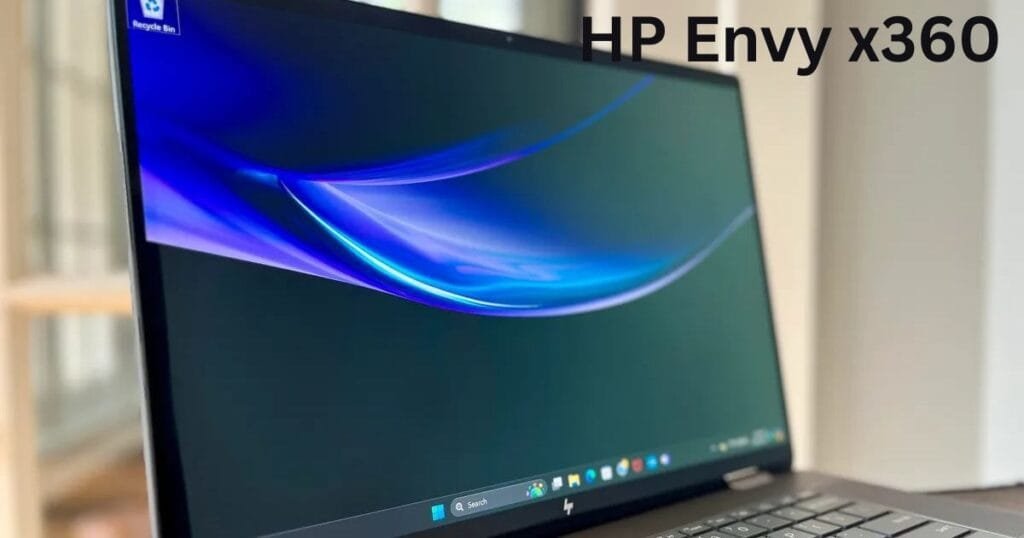
The HP Envy x360 stands out for its mix of elegance, power, and value.
Specs Summary:
- AMD Ryzen 5 processor
- 13.3-inch OLED touchscreen
- 8GB RAM and 512GB SSD
Strong Points: Stunning visuals and sleek frame.
Weak Points: No stylus in the box.
Tip: Ideal for professionals seeking premium touchscreen laptops at mid-range prices.
9. ASUS Chromebook Flip C434
ASUS’s Chromebook Flip C434 is one of the best Chrome OS-based touchscreen laptops available.
Configuration:
- 14-inch Full HD NanoEdge touchscreen
- Intel Core M3
- 64GB eMMC + cloud storage
Upsides: Fast boot-up, long battery life.
Downsides: Not ideal for heavy editing.
Advice: Best for casual users, online learners, and travelers.
10. Acer Swift 5
The Acer Swift 5 combines lightness with exceptional power, making it a dream for mobile workers.
Features:
- Intel Core i7 (13th Gen)
- 14-inch anti-glare touchscreen
- 16GB RAM
Perks: Excellent portability, durable aluminum design.
Limitations: Limited upgrade options.
Tip: Great for executives and creatives who want a touchscreen ultrabook with premium polish.
How to Choose the Right Touchscreen Laptop
Choosing the right machine should be based on the way you use it. Make sure you look at the processor type, RAM, display brightness, and battery life. If you frequently have more than one application or window open, go for devices like the HP Pavilion x360 or Lenovo Yoga 7i. In case you only need a light device for your trips, the Surface Go 3 would be good. Don’t forget to always check reviews, pricing, and support with a warranty before purchasing your device.
Pros and cons of touchscreen laptops
Positives:
- Intuitive control via touch
- Pretty much everything can be done with the touchscreen, which makes it perfect for drawing, taking notes, and web browsing
- Flexible 2-in-1 use
Negatives:
- Typically, touchscreen versions are pricier
- The touchscreen will get dirtier faster because it comes in contact with your fingers, which may lower the clarity of the display
- To be sure, they have some issues, but modern Touchscreen Laptops still provide great comfort and elegance as well as a few disadvantages.
Conclusion
By the year 2025, touchscreen laptops will have been instrumental in propelling the productivity and creativity of users. It doesn’t matter if you are a student juggling different assignments or a professional editing content, these devices make things simple for you. With quality and affordability, like Lenovo IdeaPad Flex 5 and HP Envy x360 are two perfect examples of this. The greatest feature? Some pieces only fit with your lifestyle – whether that be a hybrid laptop convenient for traveling or a chic touchscreen ultrabook suitable for work. So, putting your money into the proper touchscreen gadget is basically a guarantee of efficiency and digital flexibility later on.
If you’re looking for budget-friendly options with great performance, you might also want to check out our list of long battery life laptops for students in 2025.
FAQs
Will touchscreen laptops still be good in 2025?
Definitely, as they provide easy navigation and versatility that standard laptops are missing.
Which is the best inexpensive touchscreen laptop?
HP Pavilion x360 and Lenovo Flex 5 are the two great choices you can make if you have less than $700 to spend.
Do touchscreen laptops use more battery?
Only to a small extent, and most of the models nowadays are designed with efficient power consumption in mind.
Can I use a stylus with a touchscreen laptop?
Of course, there are quite a few models like Acer Spin 3 and HP Envy x360 that support active pens.
How are hybrid laptops different from touchscreen ones?
Hybrids are laptops that can be turned into tablets, whereas touchscreen laptops may be fixed or not have detachable or rotating hinges.