
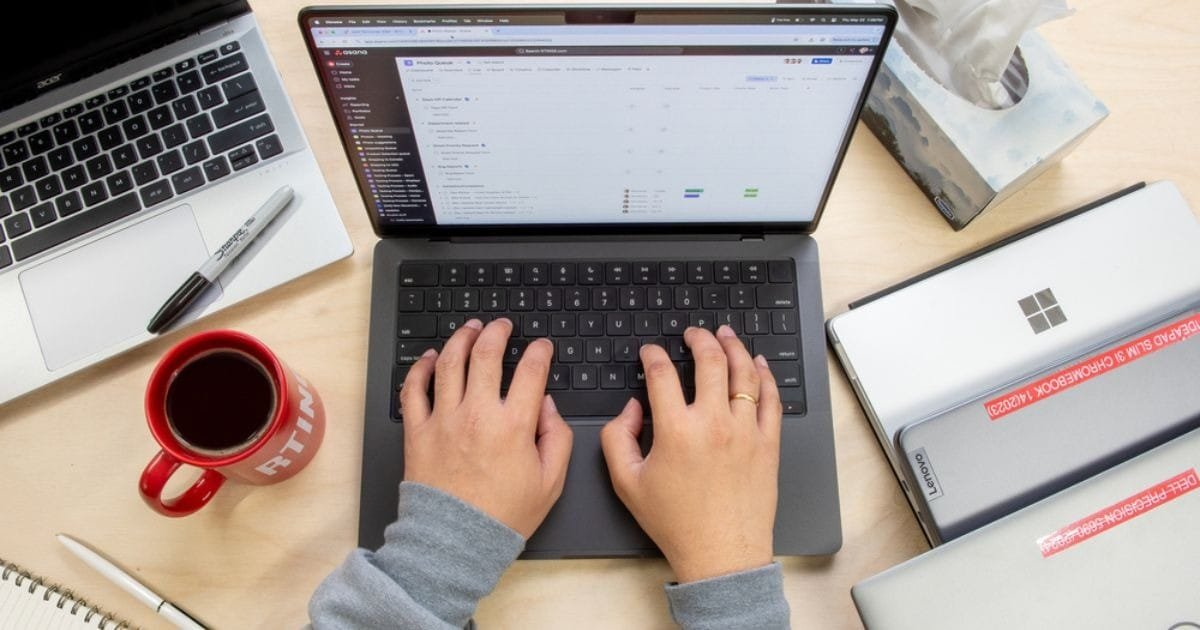
5 Affordable laptops for work from home setup
Working from home is no longer a trend; it’s a normal part of daily life. Whether you are a student, teacher, freelancer, or office professional, choosing the right laptops for work from home can directly affect your productivity, comfort, and long-term performance. The good news? You don’t need to spend a fortune to build a reliable setup.
Many people assume that affordable laptops compromise quality, but today’s budget laptops offer excellent performance for daily tasks like online meetings, document work, emails, research, and light creative tasks. With the right specifications and smart choices, a cheap work laptop can easily handle remote work needs.
In this guide, you’ll find five carefully selected, value-packed laptops that offer the best balance of performance, reliability, and price, perfect for building a practical and affordable home office.
Why choosing the right laptops for work from home matters

A laptops for work from home must handle daily workloads without lag. According to recent workforce studies, over 60% of remote workers experience productivity loss due to slow or outdated devices. A proper home office laptop improves focus, reduces fatigue, and ensures smoother multitasking.
Key things that matter:
- Comfortable keyboard and screen
- Reliable battery life
- Smooth performance for video calls
- Long-term durability
Even a value laptop can deliver these benefits when selected wisely.
5 Affordable laptops for work from home Setup
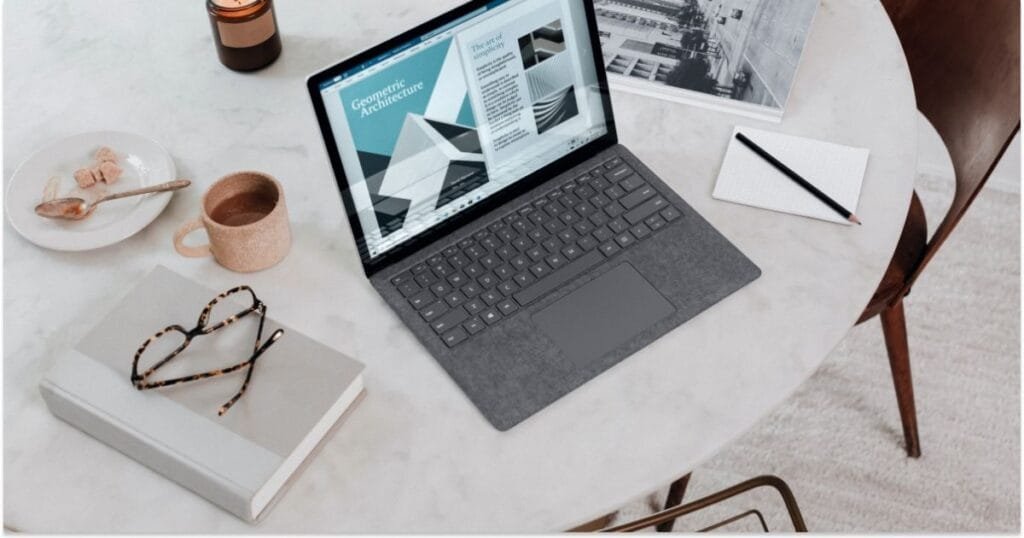
1. Acer Aspire 5
Acer Aspire 5 is ideal for multitasking and daily office work. It runs smoothly for documents, browsing, and video calls. The Full HD display is comfortable for long hours. A strong choice for work-from-home professionals.
Key Features
- Intel Core i5 or Ryzen 5
- 8GB RAM, SSD storage
Why It’s Good
The Aspire 5 offers excellent performance for spreadsheets, browsing, Zoom calls, and content writing. Its full HD display reduces eye strain during long work hours.
2. Lenovo IdeaPad 3
Lenovo IdeaPad 3 is a simple and affordable laptop. It works well for emails, online classes, and basic tasks. Lightweight design makes it easy to carry. Best for students and beginners.
Key Features
- Ryzen 3 / Intel i3
- Lightweight design
Why It’s Good
This model is perfect for basic tasks like email, online classes, and document editing. It’s affordable yet reliable for daily use.
3. HP 15s
A clean, professional home office laptop. HP 15s offers clean design and reliable performance. It handles office tools without lag. The anti-glare screen reduces eye strain. Great for daily home office use.
Key Features
- Fast SSD storage
- Anti-glare display
Why It’s Good
HP 15s handles work tools like Microsoft Office, Google Workspace, and Slack smoothly while offering good battery life.
4. Dell Inspiron 14
A durable cheap work laptop with strong build quality. Dell Inspiron 14 is built for durability. It performs consistently for full-day work. The keyboard is comfortable for typing. Suitable for long-term remote jobs.
Key Features
- Solid keyboard
- Reliable thermal management
Why It’s Good
Dell’s Inspiron series is known for long-term reliability, making it ideal for professionals who work full-time from home.
5. ASUS VivoBook 15
A stylish value laptop with solid performance. ASUS VivoBook 15 is stylish and fast. Quick boot times improve productivity. Comfortable keyboard supports long typing sessions. Perfect for meetings and content work.
Key Features
- NanoEdge display
- Fast boot times
Why It’s Good
Its ergonomic keyboard and slim design make it comfortable for long typing sessions and virtual meetings.
Comparison Table
| Laptop Model | Processor | RAM | Best For |
| Acer Aspire 5 | i5 / Ryzen 5 | 8GB | Multitasking |
| Lenovo IdeaPad 3 | i3 / Ryzen 3 | 8GB | Students |
| HP 15s | i3 / Ryzen 5 | 8GB | Office work |
| Dell Inspiron 14 | i5 | 8GB | Long-term use |
| ASUS VivoBook 15 | i3 / Ryzen 5 | 8GB | Typing & meetings |
Pros and Cons of Budget Laptops for Home Office
Pros
- Affordable pricing
- Energy efficient
- Lightweight and portable
- Ideal for daily work tasks
Cons
- Limited gaming or heavy editing support
- Average speakers
- Basic graphics performance
Key Takeaways
✔ You don’t need expensive hardware for remote work
✔ SSD + 8GB RAM is the minimum sweet spot
✔ Comfort and reliability matter more than brand
✔ Budget laptops can last years with proper care
Expert Buying Tips for a Home Office Laptop

- Choose SSD over HDD for faster speed
- Go for Full HD display if you work long hours
- Ensure webcam quality for meetings
- Avoid 4GB RAM models for work tasks
Experts recommend prioritizing comfort and stability over flashy features.
Working from home requires a reliable and affordable laptop that can handle daily tasks and multitasking smoothly. If you are looking for a budget-friendly option, be sure to check out Pick the Right Acer Aspire 3 Laptop for Students, as this model is also well-suited for a work-from-home setup.
Conclusion
Choosing the right laptops for work from home does not require a high budget. What truly matters is selecting a device that balances performance, comfort, and reliability. Affordable laptops today are powerful enough to handle daily tasks like emails, virtual meetings, research, and document work without slowing you down.
By focusing on essential features such as SSD storage, sufficient RAM, and a comfortable display, you can confidently invest in a budget-friendly laptop that supports long working hours. A smart choice will not only improve productivity but also create a smoother and more stress-free work-from-home experience in the long run.
Call-to-Action
Ready to upgrade your work-from-home setup? Choose one of these affordable laptops today and experience smoother, stress-free productivity.
FAQs
1. What specifications should a laptops for work from home have?
A good laptop for work from home should have at least 8GB RAM, SSD storage, a Full HD display, and a comfortable keyboard. These features ensure smooth multitasking and long working hours without strain.
2. Are budget laptops reliable for daily work tasks?
Yes, modern budget laptops are reliable for emails, video calls, document editing, and online tools. When chosen carefully, a budget laptop can easily handle daily work needs for several years.
3. Is SSD more important than the processor for work-from-home laptops?
For most remote work tasks, SSD storage is more important than a high-end processor. An SSD makes the system faster, improves boot time, and enhances overall performance.
4. Can a cheap work laptop handle video meetings smoothly?
Most cheap work laptops with updated processors and sufficient RAM can run Zoom, Google Meet, and Microsoft Teams smoothly, provided the internet connection is stable.
5. How long does a budget laptop usually last?
With proper care, a budget laptop can last between 4 to 6 years. Regular updates, safe usage, and basic maintenance can significantly extend its lifespan.
Author
Rehman
SEO Content Writer & Education Niche Specialist
Rehman specializes in creating well-researched, user-focused, and SEO-optimized educational content. His work emphasizes clarity, practicality, and trust, helping readers make informed decisions with confidence.
Disclaimer
This page should only be used for Technology and informational purposes. Laptop prices, specifications, and availability may vary by region and time. Readers are advised to verify details with official manufacturers or retailers before making a purchase decision. The author is not responsible for changes in product features or pricing.
0 Comments