
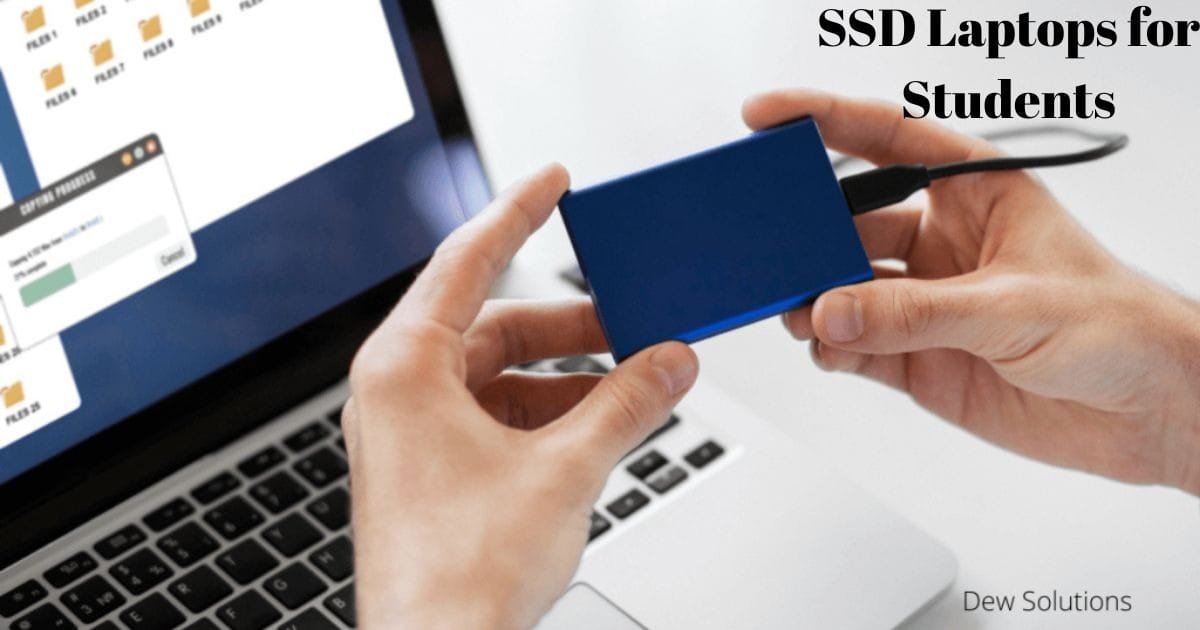
SSD Laptops for Students: Top 5 Benefits You Should Know
Have you ever clicked on a file and waited and waited while your laptop struggled to catch up? Or maybe your system froze right in the middle of an online class or assignment deadline? If yes, you’re not alone. Thousands of students deal with slow laptops every day.
But what if one simple upgrade could fix all of that instantly? That upgrade is an SSD laptops, and it can change your entire study experience in ways you’ll notice from day one.
In this guide, we’ll break down how an SSD boosts speed, improves durability, and makes everyday tasks smoother than ever. You’ll discover five powerful benefits, real examples, and easy tips for choosing the right SSD laptops for your needs.
By the time you finish reading, you’ll know exactly why switching to an SSD laptop isn’t just a smart choice, it’s a game-changer for every student.
What Are SSD Laptops? (And Why Students Should Care)
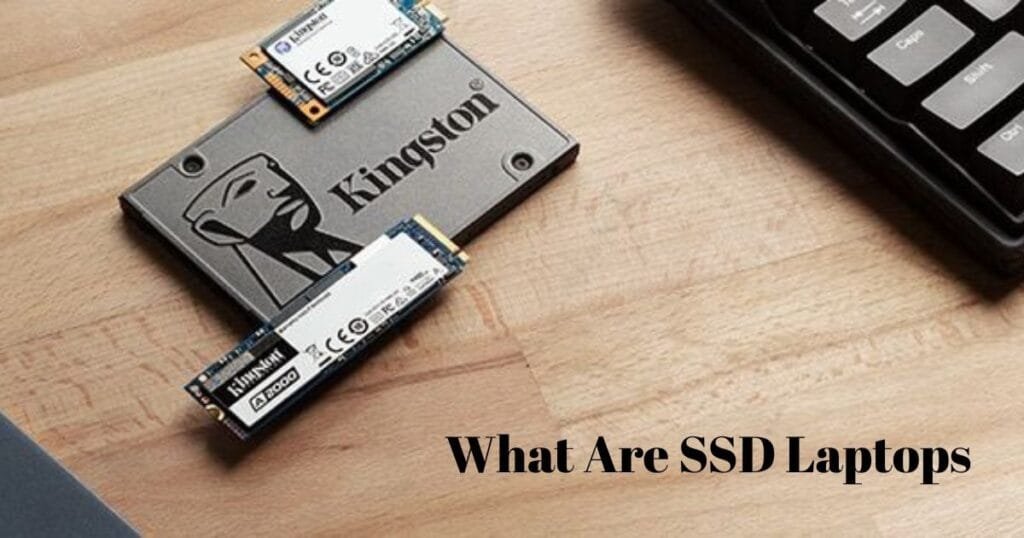
An SSD laptops is a laptop that uses a Solid State Drive instead of an old Hard Disk Drive (HDD).
Here’s the easiest way to understand it:
- An HDD is like an old spinning wheel. Slow, noisy, and easy to break.
- An SSD is like instant memory. Fast, silent, and reliable.
This small change can boost your laptop performance in a big way. And that is why schools, colleges, and tech experts all recommend SSD laptops today.
5 Positive Benefits of an SSD Laptop for Students

1. Lightning-Fast Speed for Smooth Learning
- Speed is the biggest reason students love SSD laptops.
- With an SSD, your laptop:
- Starts in 5–10 seconds
- Opens apps instantly
- Loads files with no delay
- Runs online classes without lag
Why this matters for students: Imagine you have an assignment due in 30 minutes. Your HDD laptop takes forever to start. You panic. You wait. You get stressed.
An SSD laptop removes all that.
Example
- You click on MS Word. It opens now. Not in one minute. Not in 20 seconds. Now.
- This helps you study more and waste less time.
2. Better SSD Storage Performance for Heavy Study Tasks
Students today use:
- Zoom
- Google Classroom
- Microsoft Office
- Coding tools
- Design software
- Large PDFs
- These apps need fast storage performance. An SSD handles all of them smoothly.
What makes SSD performance better
- Faster read and write speeds
- No spinning parts
- Better multitasking
- No freezing during heavy work
Real student example
- A design student working on Adobe Illustrator will see:
- Faster project loading
- Quicker exports
- Smooth editing
Engineering students using coding tools like VS Code or Android Studio also get faster compile times.
3. Higher Durability and Long Life
Students carry laptops everywhere—classrooms, libraries, hostels, buses, cafes.
This means the laptop must handle:
- Shaking
- Rough bags
- Drops
- Long travel
- An SSD laptop’s durability is much better than HDD laptops.
Why?
- Because an SSD has no moving parts.
- No spinning disk.
- Nothing to break.
Benefit
Even if your bag falls or gets bumped, your SSD laptop stays safe.
4. Longer Lifespan and Better Reliability
- Students need laptops that last several years.
- An SSD has a longer SSD lifespan laptop rating because:
- It uses modern flash memory
- It does not overheat easily
- It does not slow down over time
- What this means for students
- Your laptop stays fast for years
- You save money
- You avoid repair issues
- You get a reliable study partner
Example
Many students report that even after 5–7 years, their SSD laptop still runs like new. HDD laptops slow down in 1–2 years.
5. Longer Battery Life for All-Day Study
Battery life is important for students who:
- Attend long classes
- Study in libraries
- Travel daily
- Use laptops without charging ports nearby
An SSD uses less power, which means your laptop lasts longer on a single charge.
Average improvement
- HDD laptop battery life: 3–4 hours
- SSD laptop battery life: 6–10 hours
This is a huge advantage for students who stay on campus all day.
Extra Benefits Every Student Will Love
Faster Boot-Up and Shutdown
- Turn on your laptop. It starts instantly.
- Turn it off. It shuts down fast.
Silent Laptop Operation
- No more “whirring” sounds.
- An SSD is completely quiet.
Cooler Laptop Temperature
- SSD laptops stay cooler even during long online sessions.
Better for Online Exams
- No lag. No freeze. No risk.
SSD vs HDD Laptop: Quick Comparison Table
| Feature | SSD Laptop | HDD Laptop |
| Speed | Very fast | Slow |
| Durability | High | Low |
| Lifespan | Long | Short |
| Battery | Lasts longer | Drains fast |
| Noise | Silent | Short |
| Best for Students? | Yes | No |
How SSD Laptops Help Different Types of Students
For Design & Arts Students
- Faster editing
- Smooth software performance
- Quicker rendering
For Computer Science Students
- Faster code compiling
- Smooth multitasking
- Efficient debugging
For College & School Students
- Quick assignment work
- Smooth online classes
- Fast browsing and note-taking
For Business Students
- Fast Excel work
- Clean presentations
- Efficient productivity tools
How to Choose the Best SSD Laptop (Beginner-Friendly Tips)
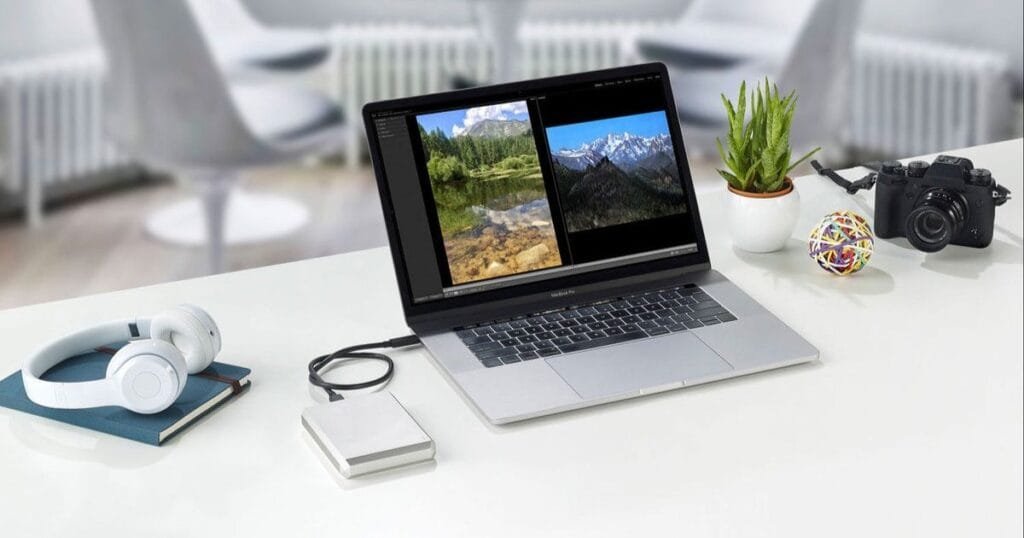
1. Choose at least 256GB SSD
- Good for assignments, apps, and basic storage.
2. For heavy use, go for 512GB or 1TB SSD
- Great for design, engineering, or gaming students.
3. Look for NVMe SSD (faster than SATA SSD)
- NVMe gives top performance.
4. Check RAM
- 8GB for basic tasks
- 16GB for heavy work
5. Choose a durable body
- Because students move a lot.
Why SSD Laptops Are Now a Smart Investment
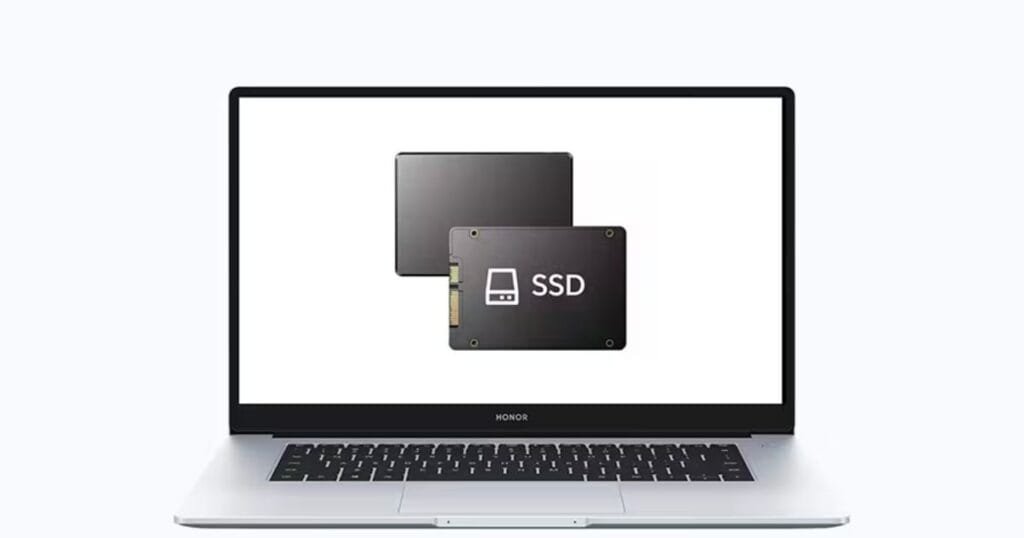
- An SSD laptop is not just faster.
- It saves time.
- It reduces stress.
- It improves your study flow.
- It lasts longer.
- And it handles all modern student needs.
In short, it’s the best laptop choice for students in 2025 and beyond.
Conclusion:
Choosing an SSD laptops is one of the smartest decisions a student can make today. It offers fast speed, smooth performance, and a stress-free study experience. With an SSD, your laptop starts quickly, opens apps without delay, and handles online classes or heavy software with ease. It also lasts longer, stays safe during travel, and uses less battery power, which is perfect for long days on campus or in the library.
For students who want to save time, work faster, and avoid slow laptop problems, an SSD laptop provides real, everyday benefits. Whether you create projects, attend classes, design, code, or take notes, an SSD laptops supports your learning in every way. It’s not just an upgrade, it’s an investment in your academic success.
If you want smarter study sessions and a reliable device for years, choosing an SSD laptop is the right move.
FAQs
Is an SSD laptop better for students?
Yes. It starts faster, works smoother, lasts longer, and gives better performance for study tasks.
Does an SSD laptop last longer than an HDD laptop?
Yes. SSDs have a longer lifespan because they have no moving parts and do not wear out easily.
How much SSD storage does a student need?
256GB is enough for most students. But design or engineering students should choose 512GB or higher.
Does an SSD improve laptop battery life?
Yes. An SSD uses less power, giving longer battery performance.
Is an SSD laptop good for online classes?
It is perfect for online classes. It avoids lag, loads fast, and handles apps smoothly.
Can I upgrade my laptop to an SSD later?
Yes, many laptops support upgrading from HDD to SSD.
0 Comments