
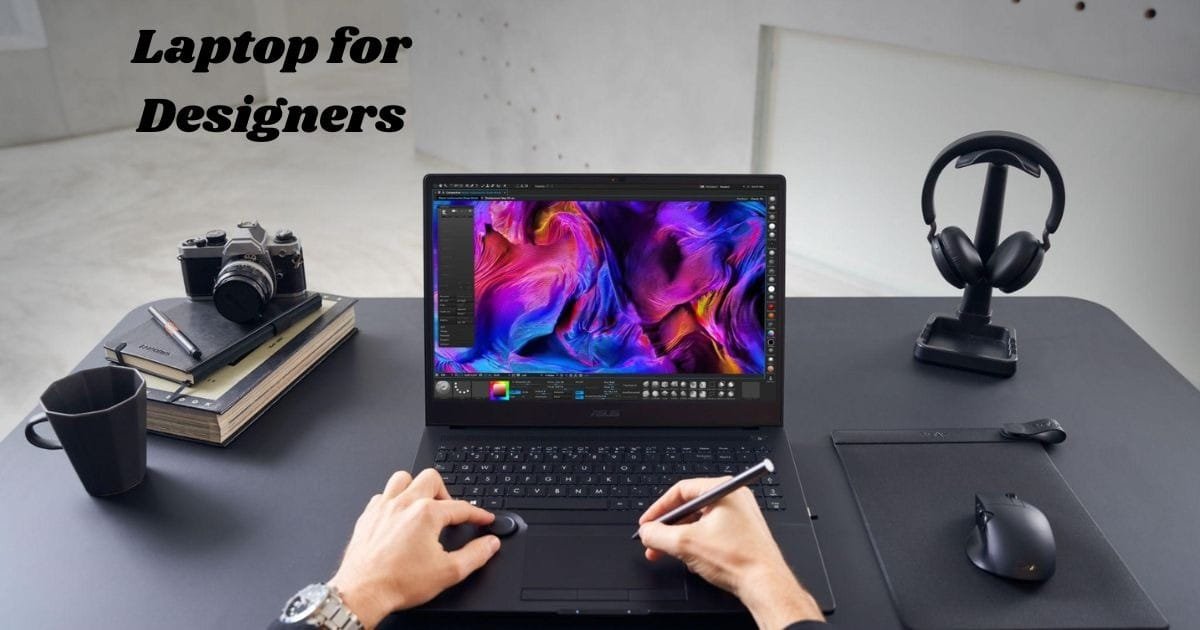
How to Choose the Perfect Laptop for Designers for future
Choosing the perfect laptop for designers is one of the most important steps for any creative professional. Designers require a system that can handle multiple tasks, run demanding design software, and accurately display colors. A good laptop should match your creative needs, whether you are editing photos, drawing digital art, or working with 3D graphics.
A powerful processor, bright display, and reliable battery make all the difference. With the right laptop, your ideas come to life faster and more clearly. This guide will show you what to look for so you can pick the best device that supports your art and workflow.
What Should Designers Look for in a Laptop?

Essential Features for Designers
When buying a laptop for creative work, focus on the screen, processor, and RAM. The display should be bright and color-accurate. A strong CPU and enough memory keep your programs running fast.
A laptop for designers also needs a good GPU for smooth rendering and a fast SSD for quick loading. Comfort matters too—look for a soft keyboard and a slim build. The best laptop for photo editing balances performance, portability, and display quality.
Why Processing Power Matters in a Laptop for Designers
Best CPUs for Creative Work
Design programs like Adobe Photoshop and Blender need a fast processor. Select a minimum of an AMD Ryzen 7 or Intel Core i7. These chips make multitasking easier and speed up rendering.
A laptop for designers should handle heavy workloads without lag. Strong processing power helps you edit large files smoothly and switch between tools quickly. With the right CPU, you’ll spend more time creating and less time waiting.
Finding the Right Screen for Design Work
Color Accuracy and Resolution
Your screen is where your art lives. Go for a laptop with a Full HD or 4K display. IPS panels show better colors and wider viewing angles. A display that covers 100% sRGB or Adobe RGB gives you true-to-life visuals.
A laptop for designers should show every shade clearly. High brightness and contrast make editing easier. For photo editors and digital artists, an accurate screen ensures your final work looks exactly how you intended.
Why a Powerful GPU Is Essential
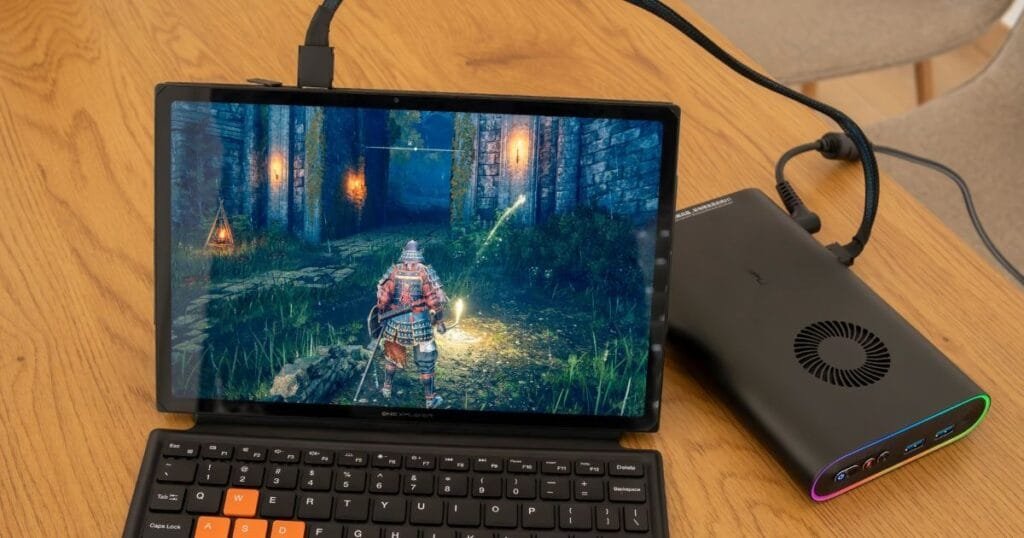
Laptop with Powerful GPU for Design Tasks
A strong GPU is vital for 3D work, animation, and video editing. Look for laptops with NVIDIA RTX or AMD Radeon cards. They speed up rendering and let you preview designs faster.
A laptop with a powerful GPU turns creative ideas into smooth visuals. It helps digital artists create without slowdowns. For complex graphics, your GPU is just as important as your CPU.
SSD vs. HDD for Designers
Fast and Reliable File Access
Designers often deal with large files. SSDs are faster than HDDs and make loading quicker. They also last longer and make your laptop quieter.
Choose a laptop for designers with at least 512GB SSD storage. It gives you space for apps and projects without slowing performance. If needed, add an external drive for backups and extra files.
Portability Insight: Balancing Power and Mobility
Lightweight Laptops for Traveling Designers
Many designers work on the go. Choose a laptop that’s light but strong. Ultrabooks and thin workstations are perfect for travel.
A portable laptop for designers lets you work anywhere—cafes, studios, or on flights. Look for one with long battery life and good cooling. That way, your creativity never pauses, even away from your desk.
Why RAM Is a Designer’s Best Friend

Ideal RAM for Smooth Performance
Designing often means running many apps together. With 16GB RAM, you can multitask easily. For 3D work, go for 32GB or more.
A laptop for designers with enough memory handles big projects faster. You won’t face slowdowns when switching between editing tools. More RAM means smoother workflow and better productivity.
Stay Powered All Day
Long-Lasting Power for Creatives
Battery life is key for mobile work. Look for laptops that run 8–10 hours per charge. Efficient chips and optimized GPUs save power while keeping performance high.
A laptop for designers with strong battery life keeps you focused on your art. Whether you’re outdoors or meeting clients, a dependable battery means freedom to create anywhere.
Essential Ports for Designers
Ports and Expansion Options
Designers use many tools—drawing tablets, cameras, and external screens. Your laptop should have USB-C, HDMI, and Thunderbolt ports. These allow faster transfers and better connectivity.
A laptop for designers with the right ports keeps your workspace simple and efficient. You can plug in all your devices without adapters or delays.
Keep Performance Steady
Why Cooling Matters
High-performance laptops heat up fast. A strong cooling system helps maintain stable speed. Dual fans or vapor chambers prevent overheating and keep noise low.
A laptop for digital artists with good cooling ensures your system stays smooth during long sessions. It protects your hardware and keeps your workflow steady.
Finding Value for Your Budget
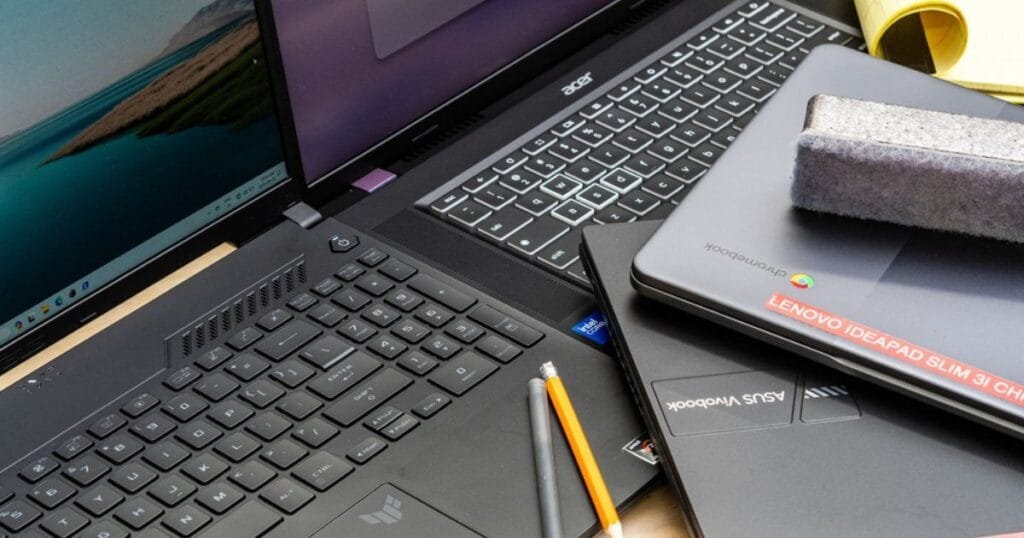
Affordable Options for Every Designer
You don’t need the most expensive model. Many mid-range laptops deliver great results. Brands like ASUS, Dell, and HP offer excellent power at fair prices.
When buying a laptop for digital artists, focus on what truly matters—processor, RAM, GPU, and display. Spend smartly to get the best mix of value and quality for your creative needs.
Conclusion
Finding the right laptop for designers is about matching power with creativity. The perfect machine lets you design freely, whether you’re editing images, creating illustrations, or rendering 3D art. Every part—CPU, GPU, display, and storage—plays a vital role in performance.
With a strong and reliable laptop for designers, your ideas come alive faster. Choose one that fits your workflow, travel style, and budget. The right laptop will not only boost your creativity but also support your growth as a professional designer.
Choosing a laptop as a designer isn’t just about having a powerful GPU or large RAM — portability, weight, and travel-friendliness are also very important. If you often take your laptop for work or client meetings, our guide on Best Lightweight Laptops for Travel in 2025 will be very helpful. This way, you can consider both design-friendly capabilities and a travel-ready design at the same time.
FAQs
What makes a laptop for designers different from regular laptops?
It has better display accuracy, more RAM, and stronger GPUs. These features handle design software easily.
Is a gaming laptop good for designers?
Yes. Gaming laptops have strong GPUs that work well for editing, 3D modeling, and digital art.
How much RAM do I need in a laptop for designers?
16GB works for most users, but 32GB is better for heavy design tasks or 3D rendering.
Which brand offers the best laptop for designers?
Apple, ASUS, Dell, and HP all make great laptops with strong performance and clear displays.
Do I need a 4K screen on my laptop for designers?
A 4K screen isn’t required, but it gives sharper details and better color precision for photo editing.
0 Comments